Coupling

Tour of the Cafe

Welcome

Coupling is a cafe with a garden out back. Grow plants together by learning and teaching words.

  1. Learn in one-minute Sips

    1Learn in one-minute Sips

  2. Grow your garden

    2Grow your garden

  3. Spend Beans at the Market

    3Spend Beans at the Market

Glossary

Coupling has its own words for things.

Sip

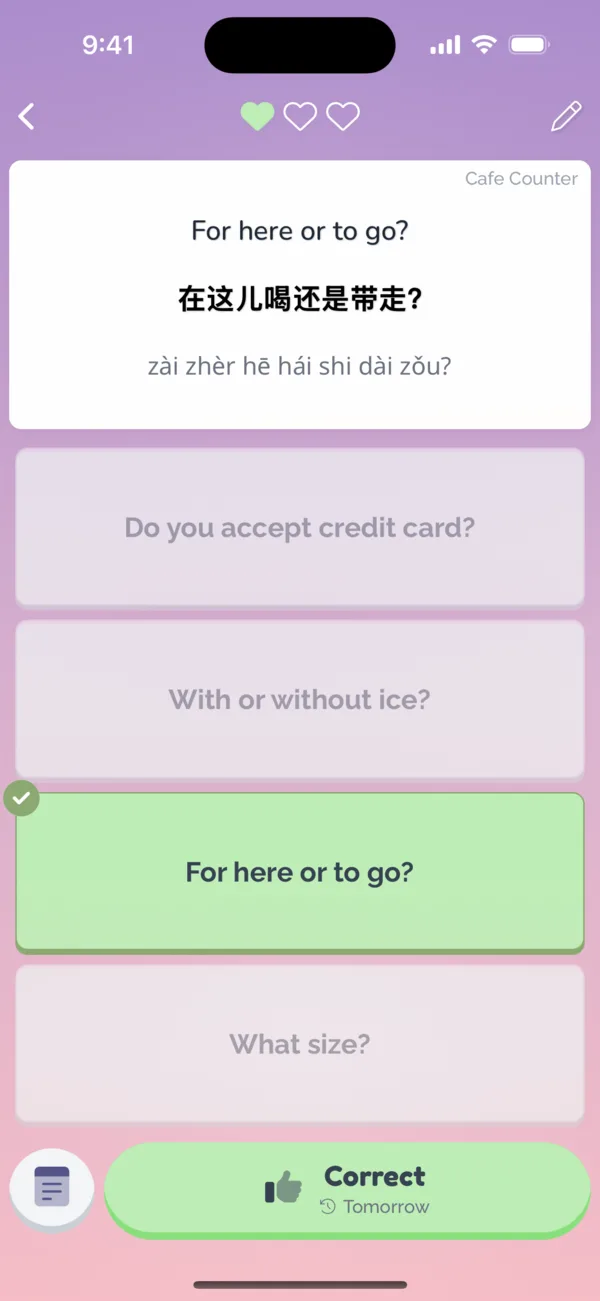
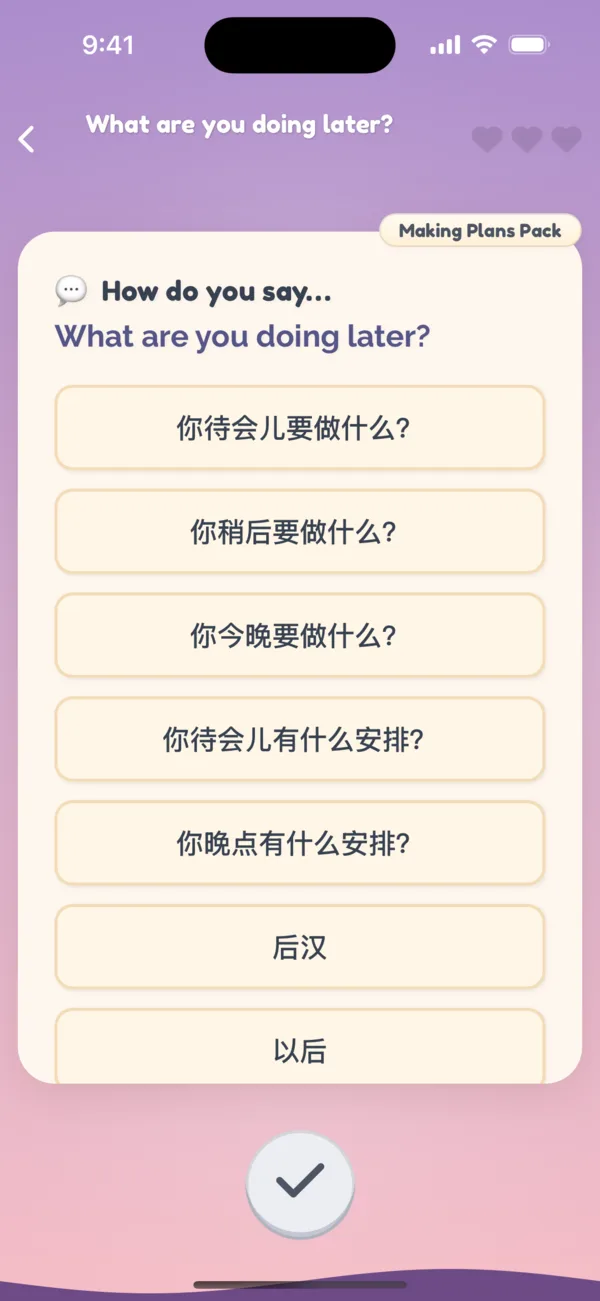
A Sip is a single language study session that takes about one minute.

There are different flavors of Sips in the form of different exercise types. To grow all facets of your language ability, you can practice vocabulary recall, fill in the blank, rearrange the sentence, and speaking pronunciation.
Sip

Brew

A Brew is a teaching session to prepare words for your partner.

When learners request words, sentences, or audio, the teacher makes tailored translations, sentences, and audio recordings.

Brew

Market

The Market is where you trade your harvested plants for Beans and spend Beans on new app features.

Market

Bean

Beans are the cafe's currency. Beans are earned by growing plants in the garden, and spent to unlock new features at the Market.

Each word or sentence costs one Bean to add for you or your partner. Beans are shared between partners and can be spent on each other.

You may also support us by purchasing Beans!

Bean

Pack

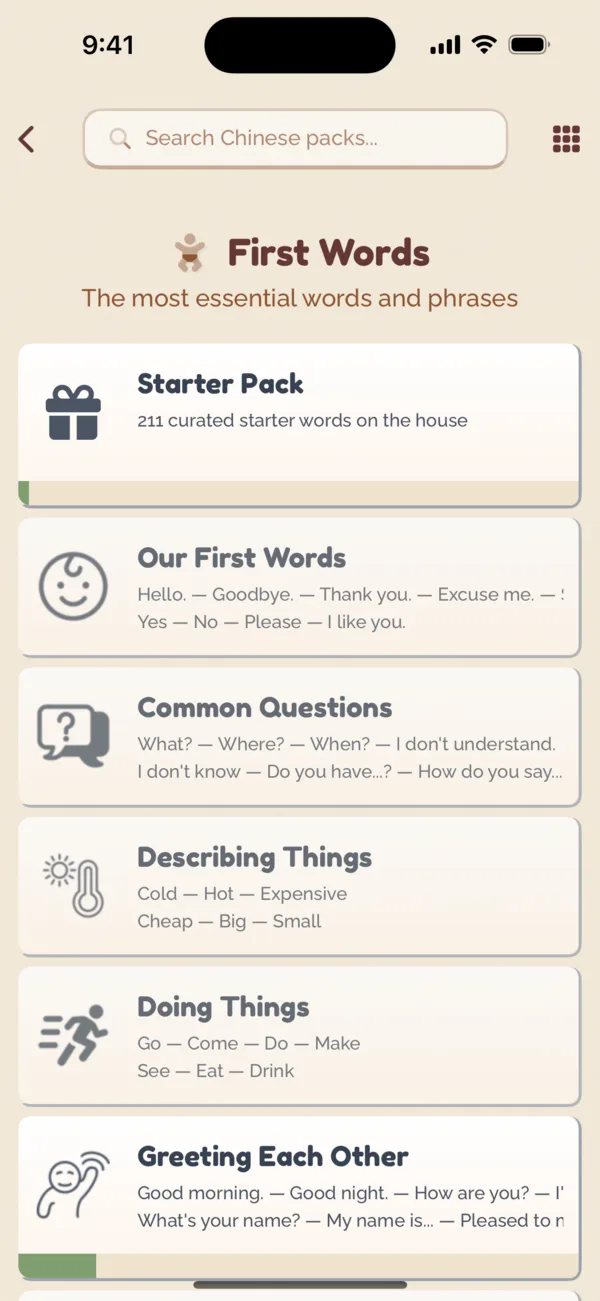
A Pack is a set of words centered on a topic such as greetings, ordering food, or past tense.

Learners select what topic of words they want to learn by opening a Pack, then partners can teach those words. Packs become more customizable with upgrades from the Market.

Pack

Partners & Friends

Learn with the people in your life. A friend can teach you their language, or you can learn one together.

Invite

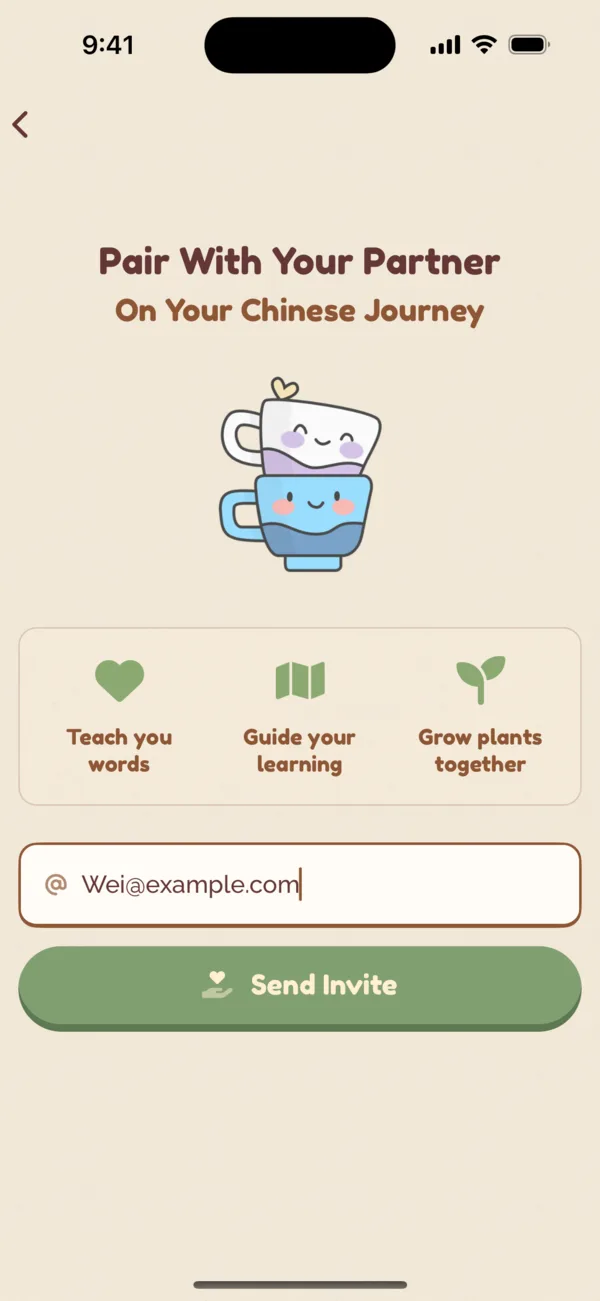
Invite your partner with the same email they registered in Coupling Cafe with. They can then log in or sign up, accept, and then you're partnered.

Invite

Teach Each Other

Teaching works by the learner requesting Packs to learn, and then Coupling notifies the teacher to share words, audio, and sentences. The teacher can also teach any word or phrase directly, or verify words that the learner added.

  1. Emma opens a Pack. Wei will help her learn it

    1Emma opens a Pack. Wei will help her learn it

  2. Wei picks how to say each phrase

    2Wei picks how to say each phrase

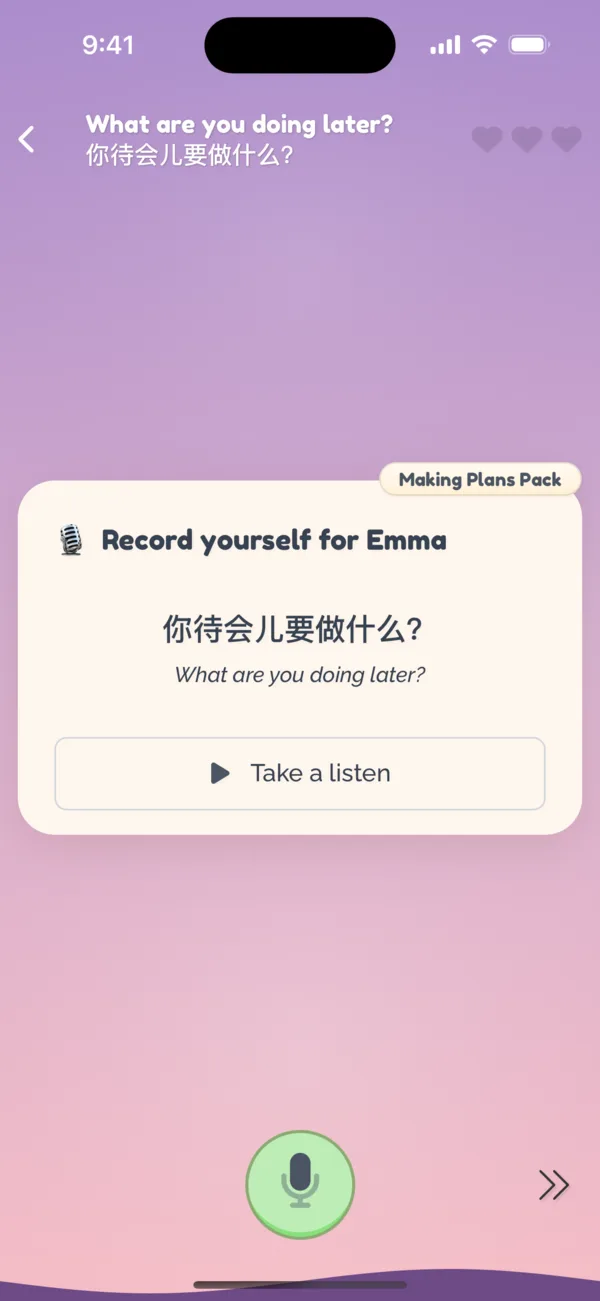
  3. He records himself saying it

    3He records himself saying it

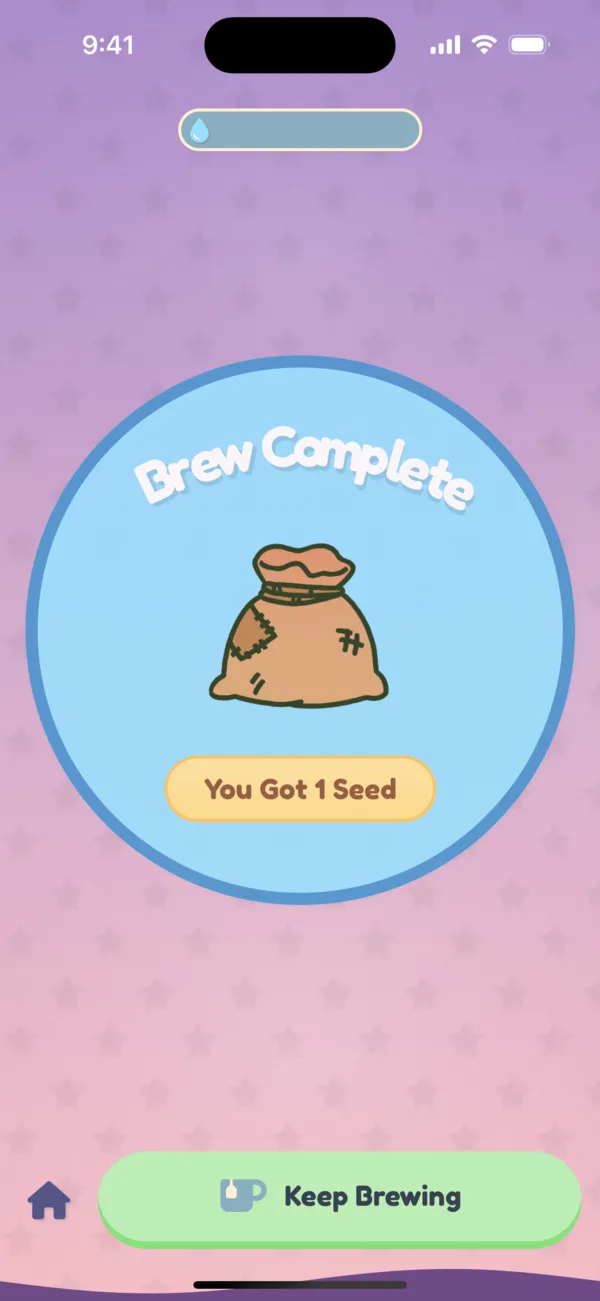
  4. Brew complete, and Wei earns a seed

    4Brew complete, and Wei earns a seed

Learning Together

If you are both learning the same language, you can sync together. Any word or phrase you add, you can have it automatically added to your partner's collection, and vice-versa.

Friends

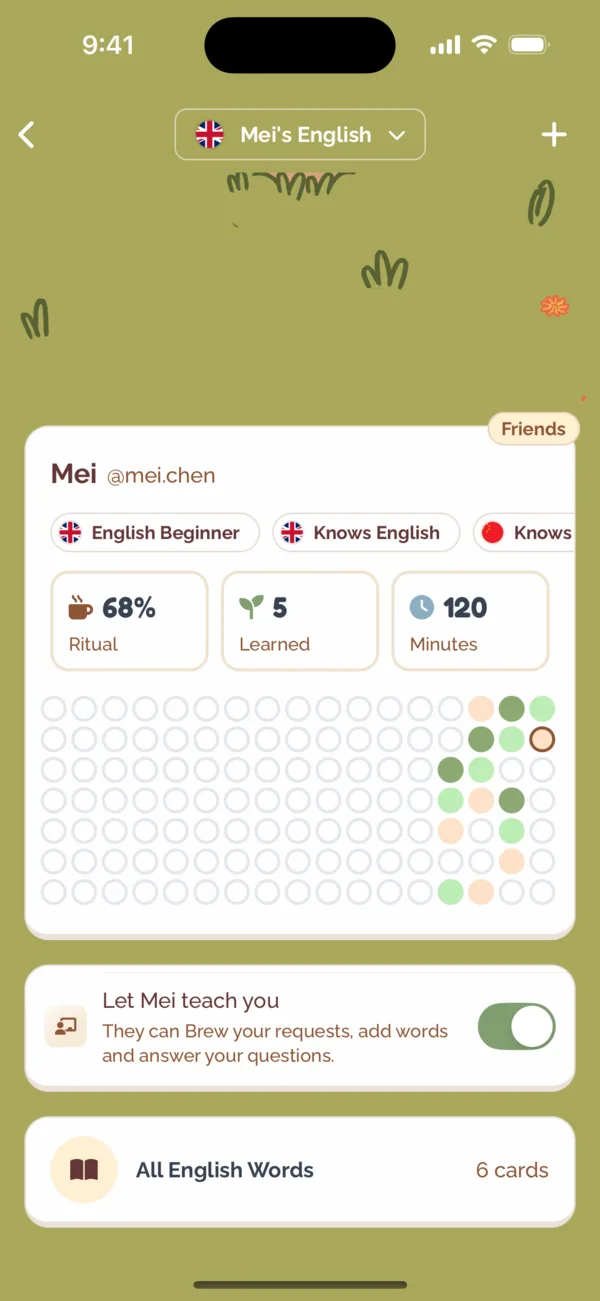
Add friends to your Cafe to see who studied today and cheer each other on. A friend who speaks your language can teach you too: they can Brew your requests and add words for you, and you can switch that off any time from their profile.

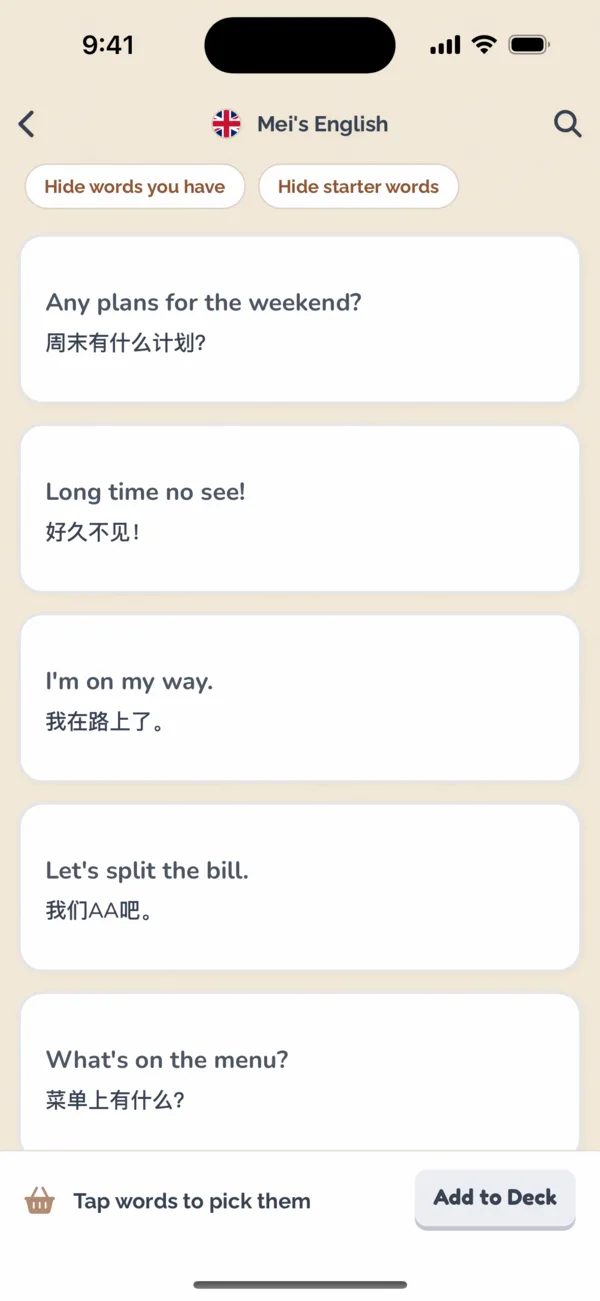
Browse a friend's words and pick the ones you want to learn into your own collection.
  1. Your partner and friends, and the days they studied

    1Your partner and friends, and the days they studied

  2. Let a friend teach you from their profile

    2Let a friend teach you from their profile

  3. Pick words from a friend's deck

    3Pick words from a friend's deck

Learning Alone

If you don't have a partner, you can still use Coupling to learn a language. For most languages, Coupling comes with a default curated pack of starter words to learn. You can add words and phrases you want to learn, like a flashcard deck. And Coupling provides automatic audio and translations.
Learning Alone

The Garden

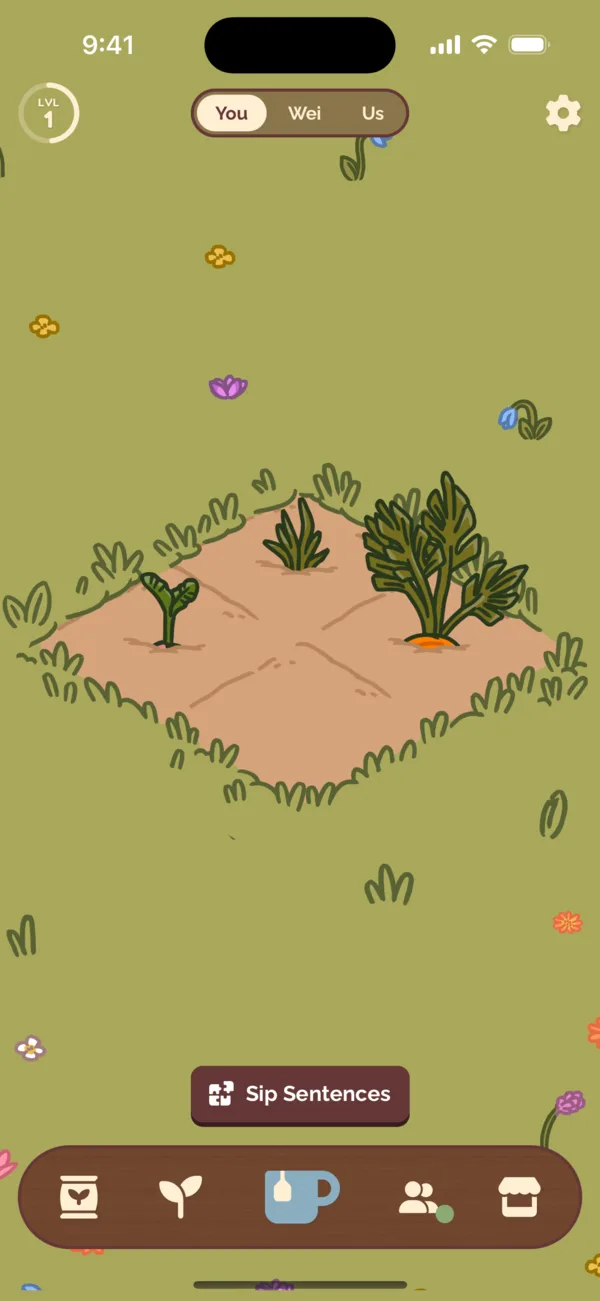
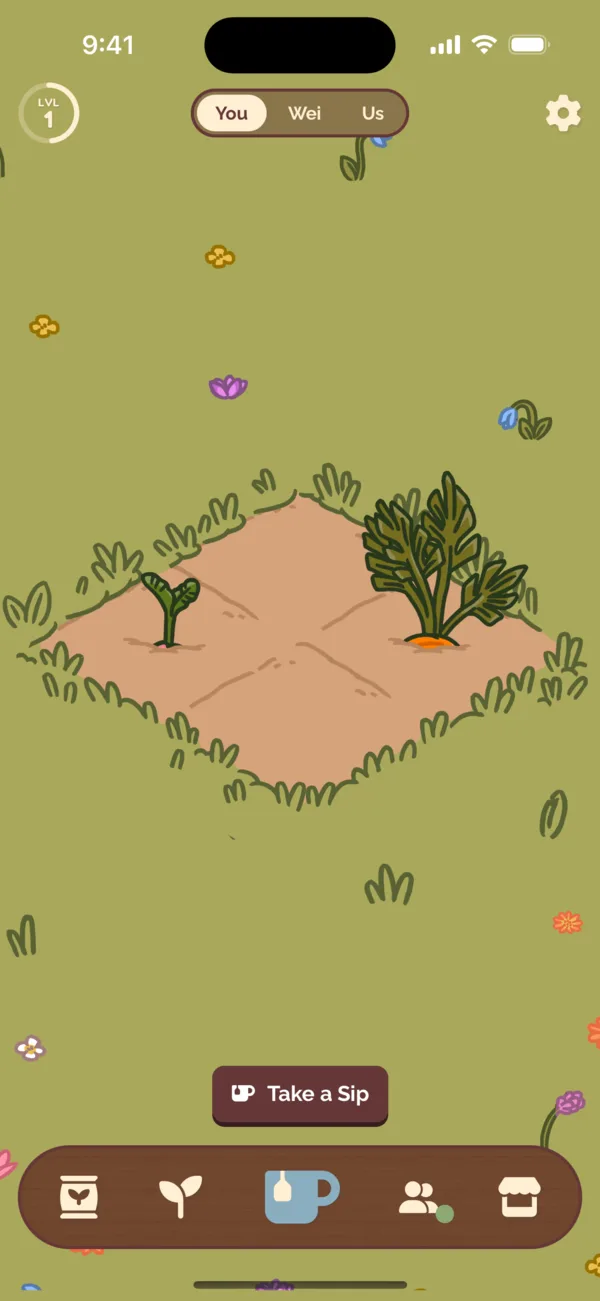
The garden is where you grow plants through studying or teaching effort. These plants can then be sold for Beans to unlock features at the Market or add new words and phrases.

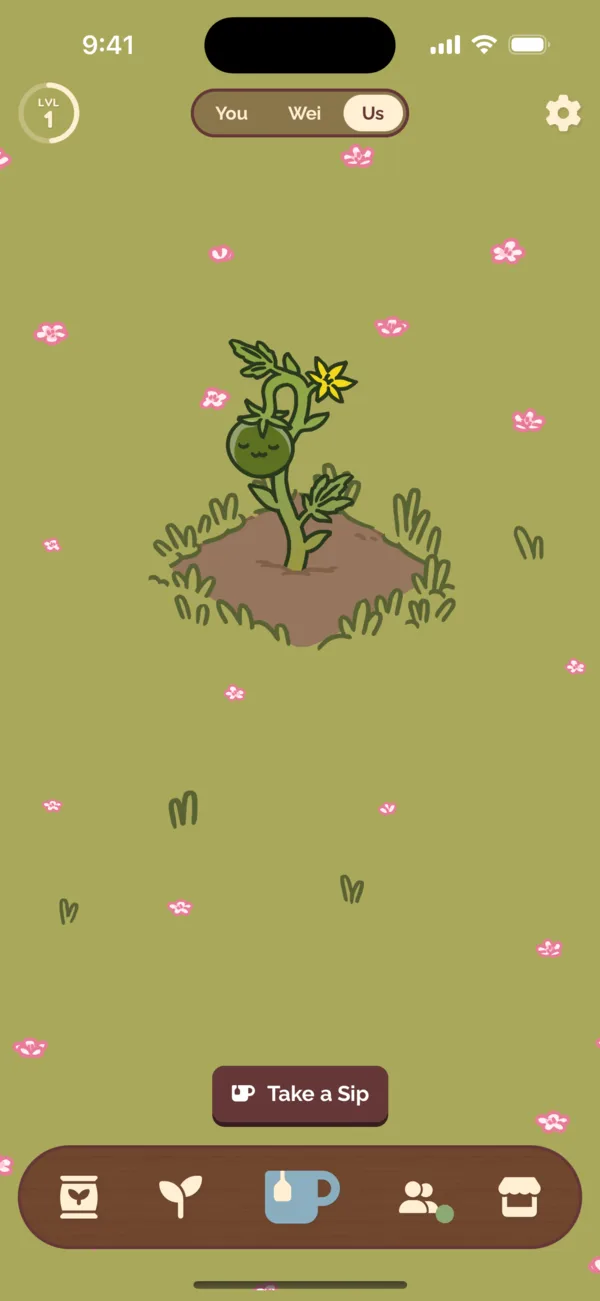
A plant you and your partner grow together

Planting Seeds

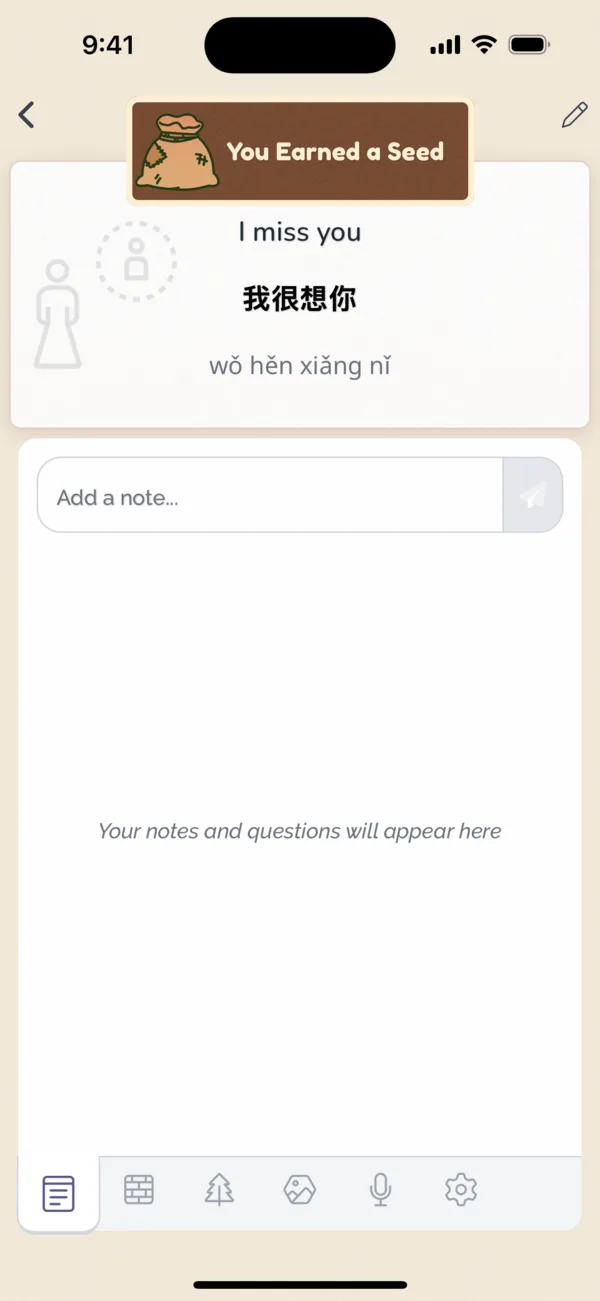
Collect seeds by doing Sips (studying) or Brews (teaching). Tap an empty plot to plant a seed.

  1. Tap an empty plot, then your seeds

    1Tap an empty plot, then your seeds

  2. Your seed sprouts

    2Your seed sprouts

Watering Plants

Almost anything you do fills your water : doing Sips (studying), Brews (teaching), or adding a word for your partner.

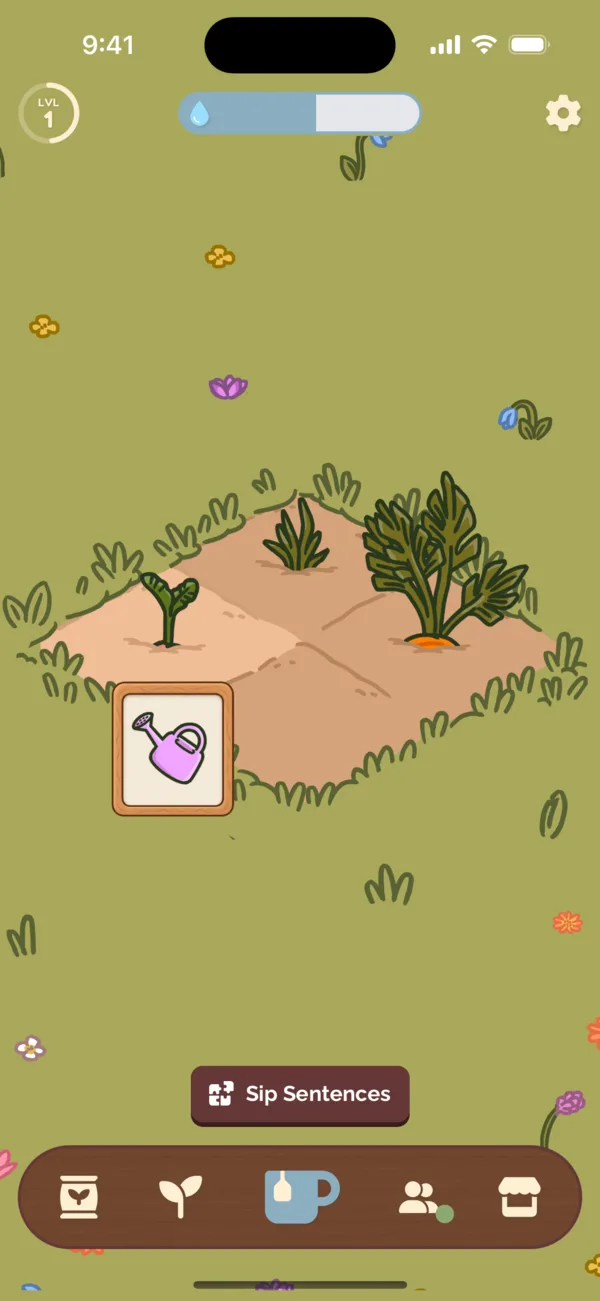
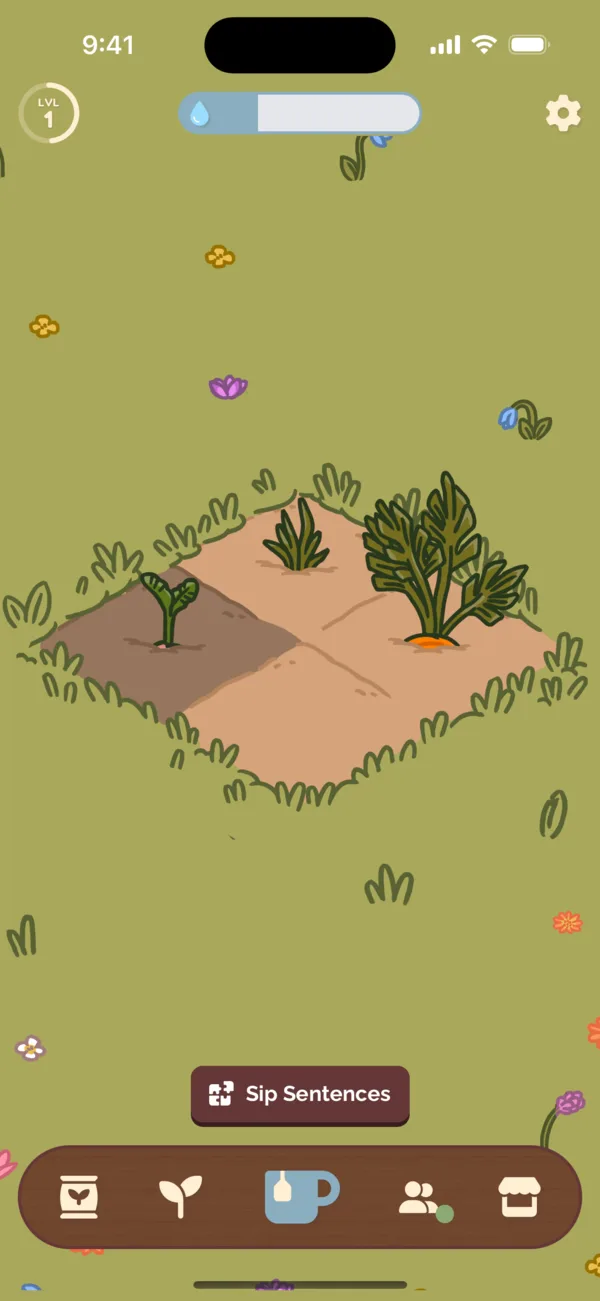
Tap a seed or plant to water it. Plants can be watered every 4 hours.

  1. Tap a plant, then the watering can

    1Tap a plant, then the watering can

  2. The soil darkens and your water goes down

    2The soil darkens and your water goes down

Harvesting and Selling Plants

Once a plant is watered a few times, it'll be ready to harvest!

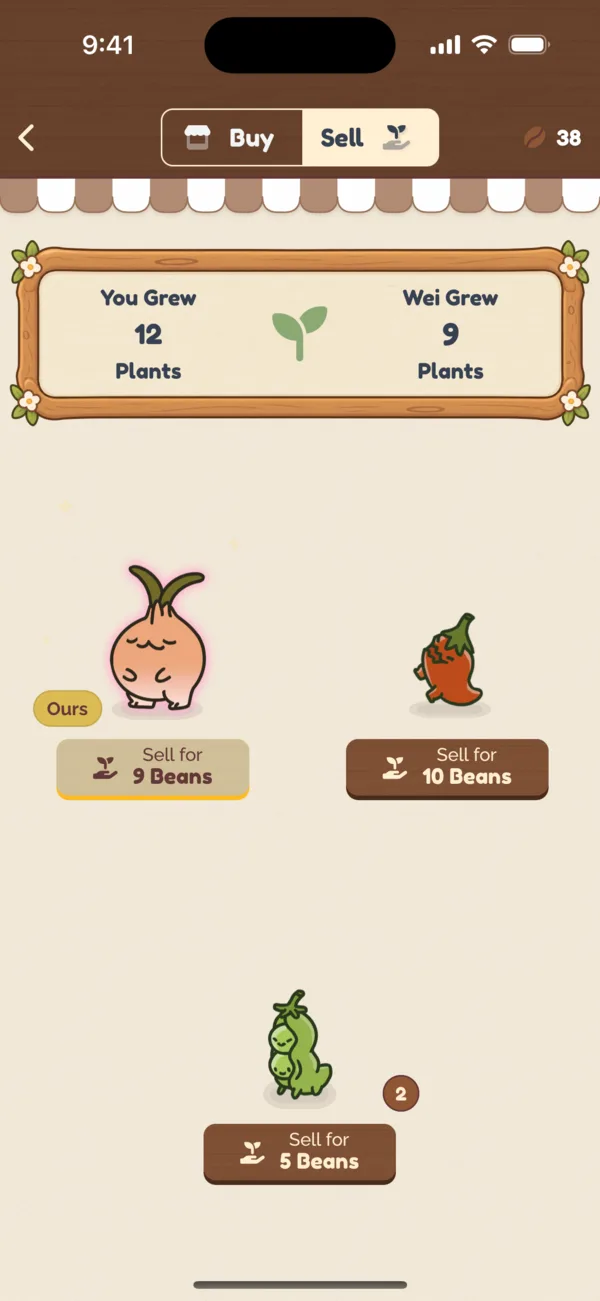
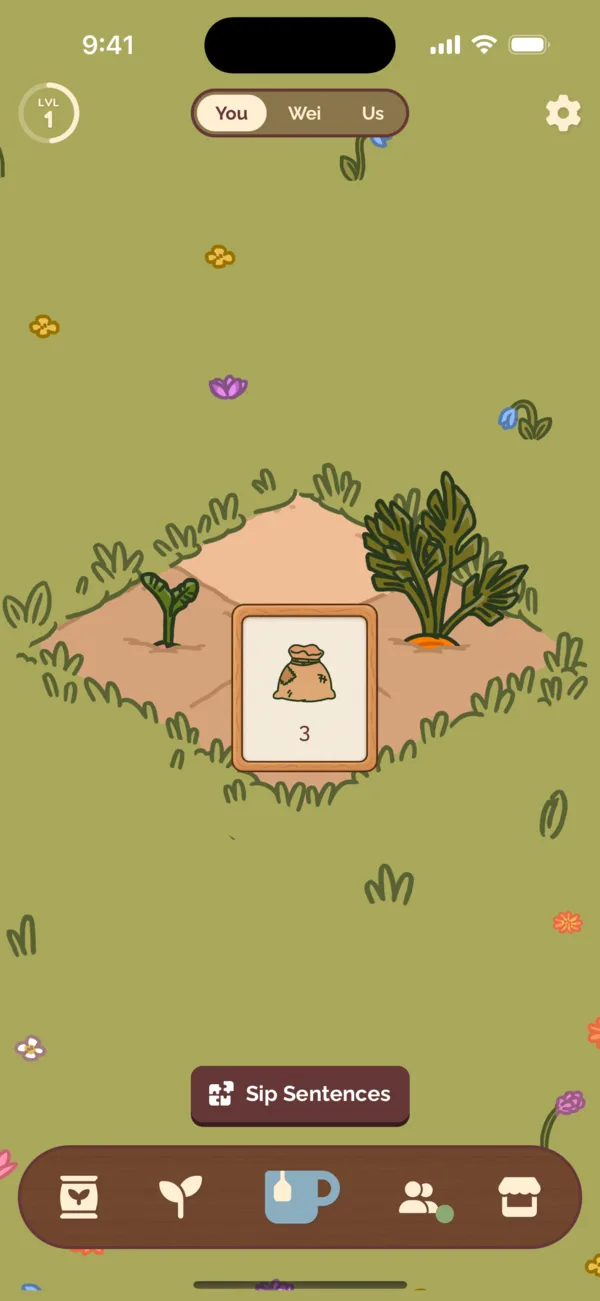
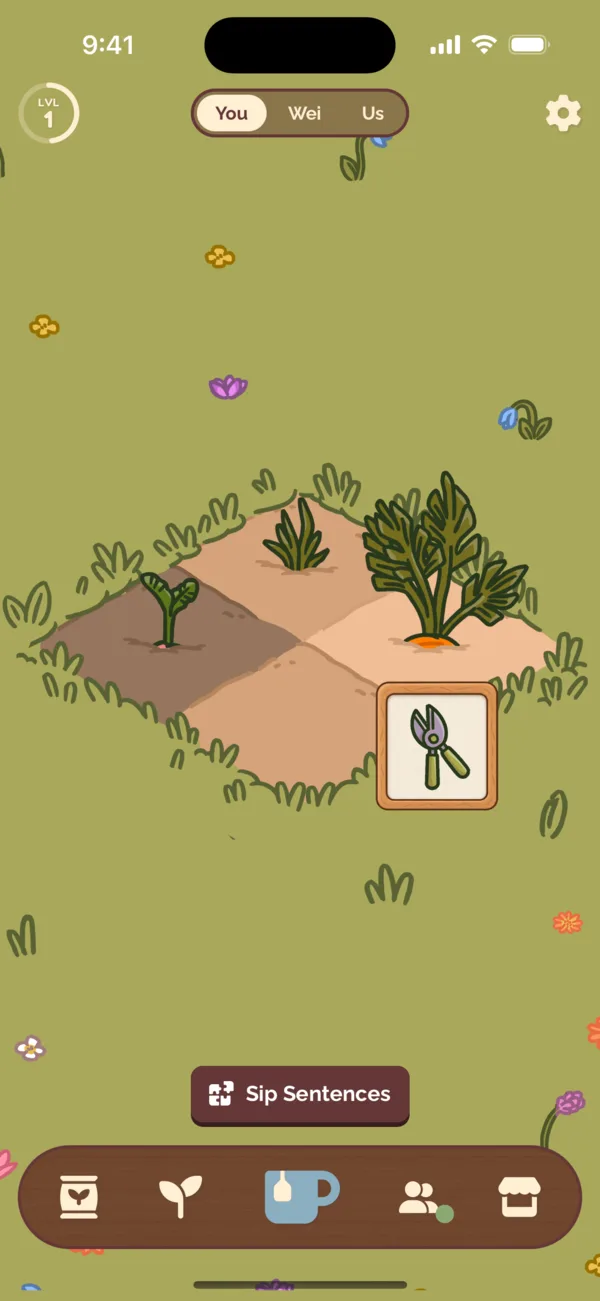
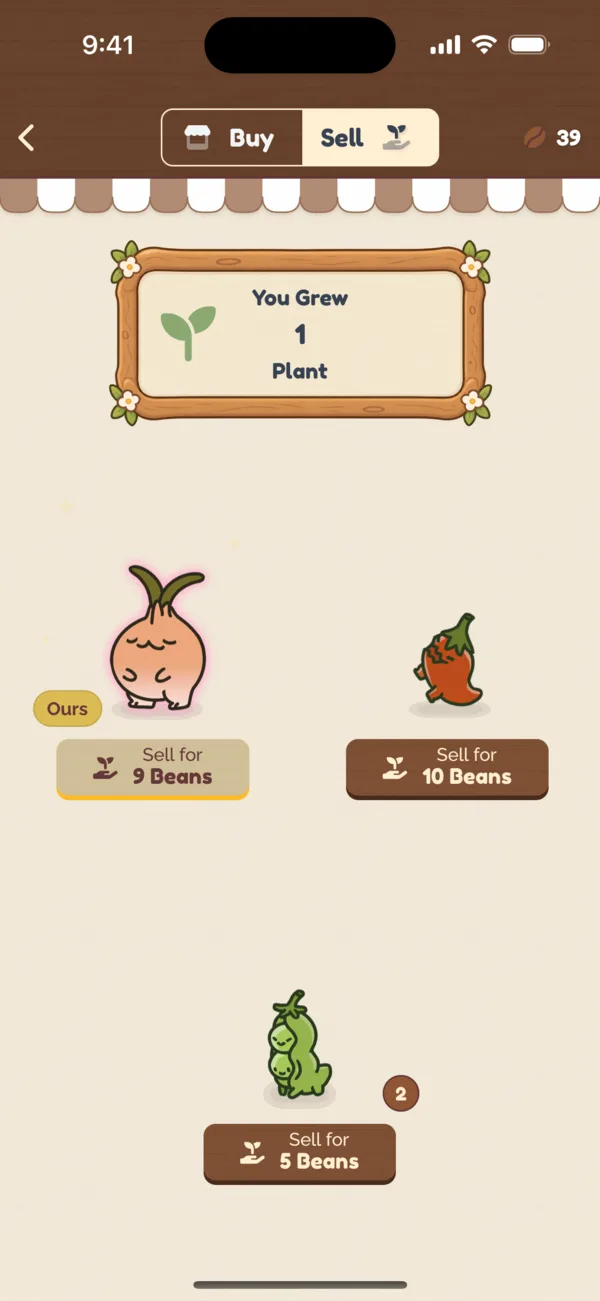
Tap a plant to harvest it. Then go to the Sell section of the Market to exchange it for Beans. Plus, Beans are shared between partners!

  1. Tap a grown plant, then the shears

    1Tap a grown plant, then the shears

  2. Find it at the Market's Sell stall

    2Find it at the Market's Sell stall

  3. Sold, for 3 more Beans

    3Sold, for 3 more Beans

Spending and Purchasing Beans

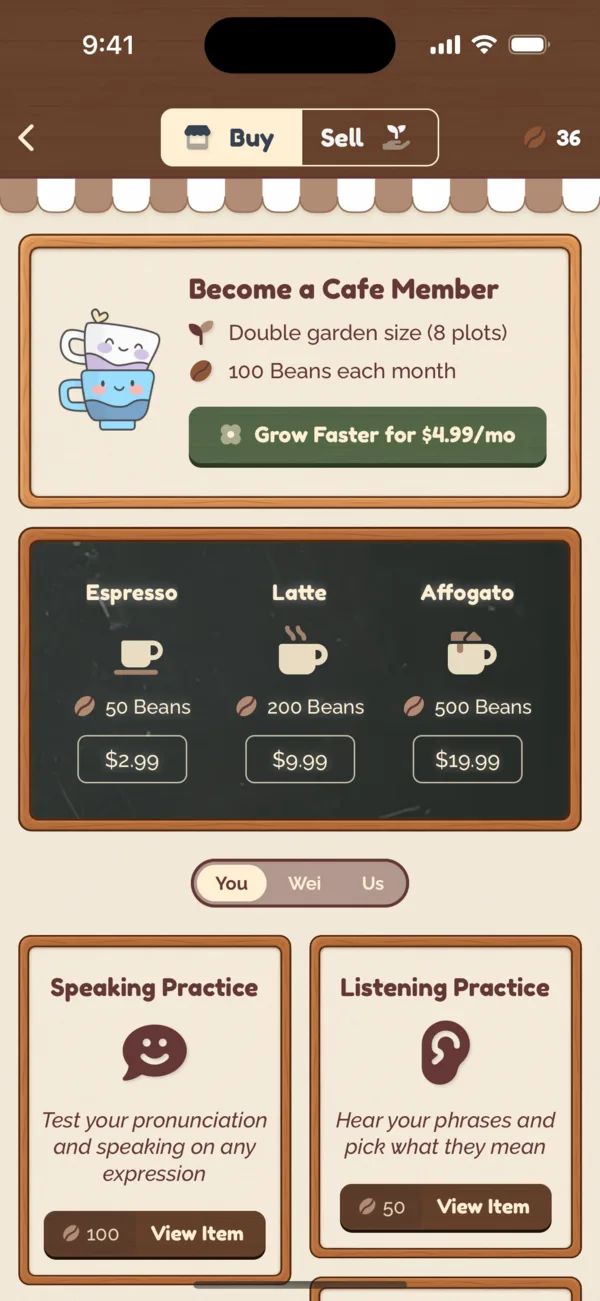
Beans are currency used to be able to add new words and phrases, as well as unlock new features at the Market. Tap a feature at the Buy section of the Market to learn more about it.

Support Coupling Cafe by becoming a member, which delivers 100 Beans per month as well as doubling your garden size so you can grow faster!

Spending and Purchasing Beans

Learning Words Through Sips

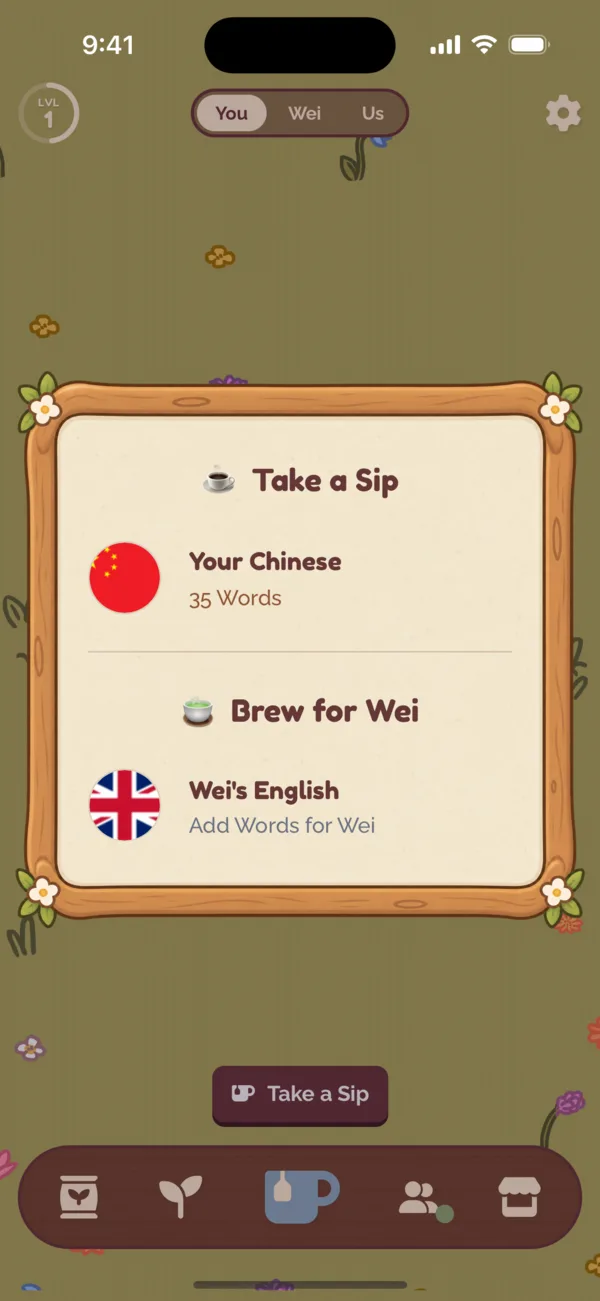
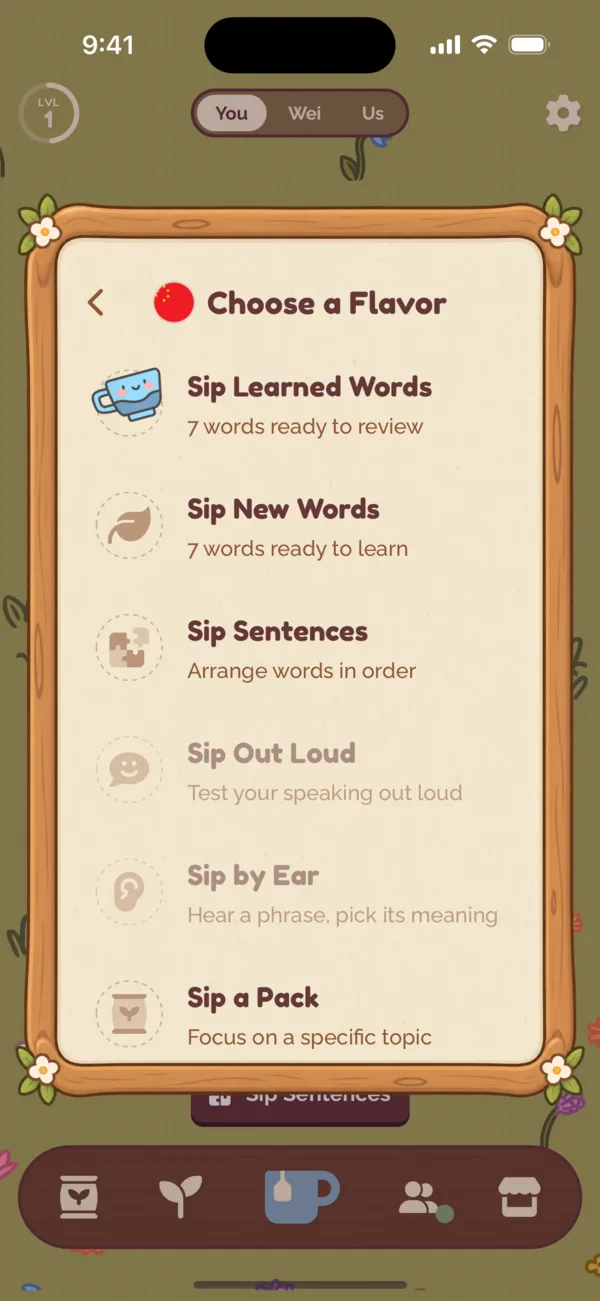
Learning is done through Sips, short language learning sessions. Tap the cup icon to start a Sip.

  1. Tap the cup

    1Tap the cup

  2. Choose a flavor of Sip

    2Choose a flavor of Sip

Learning New Words

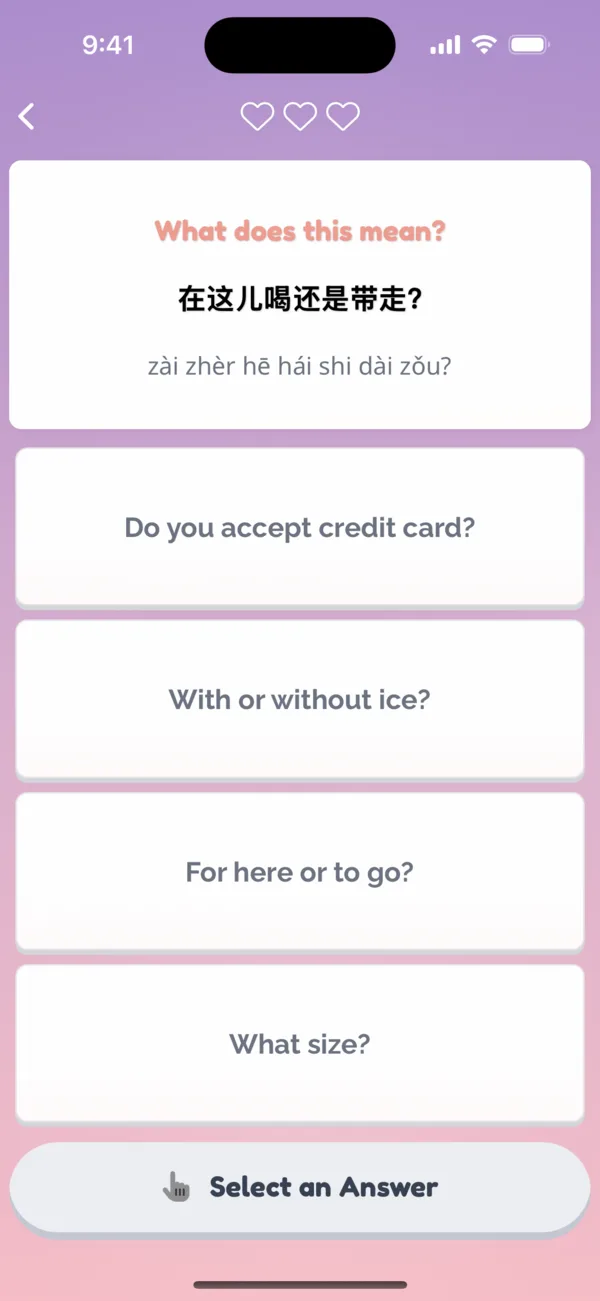
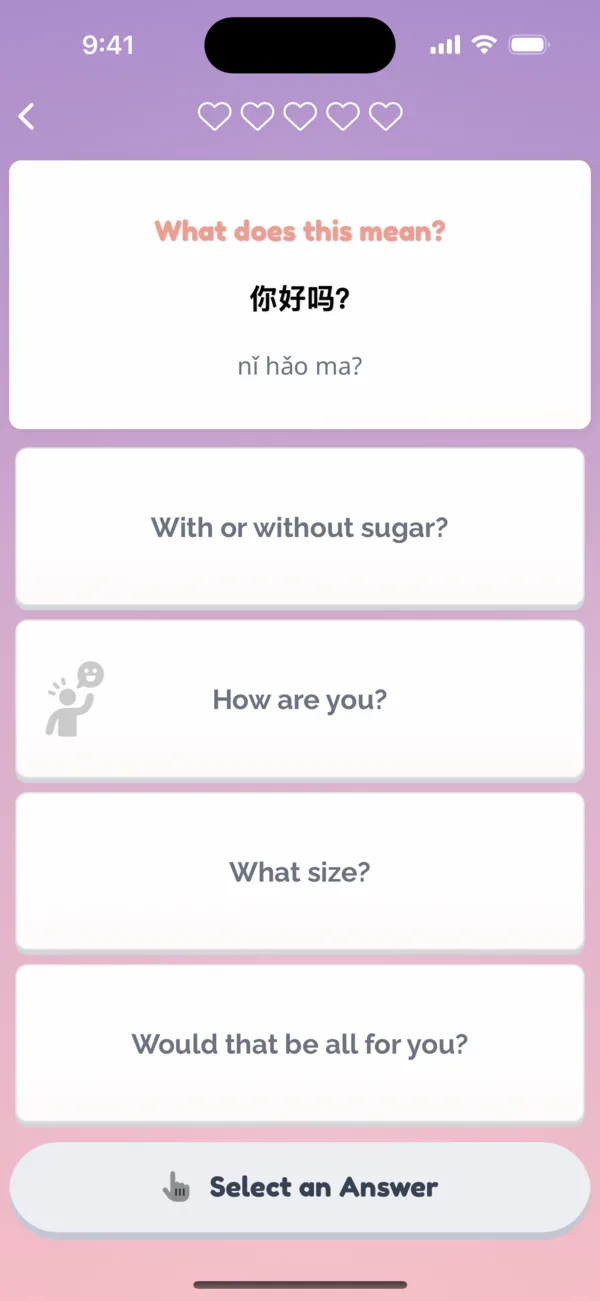
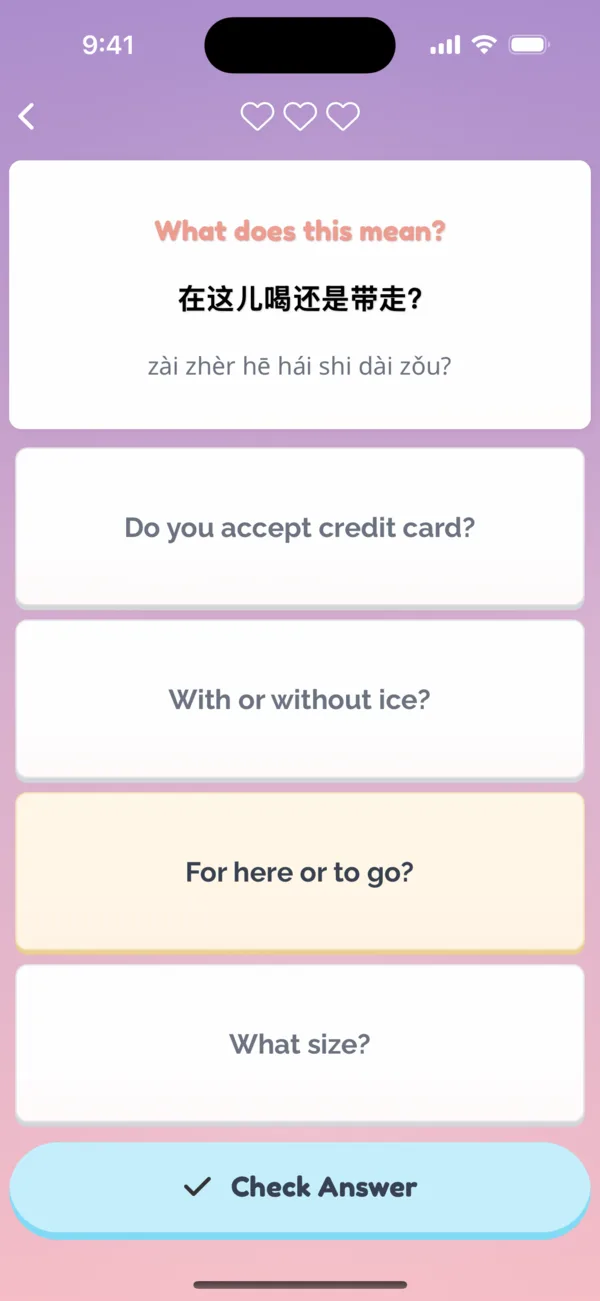
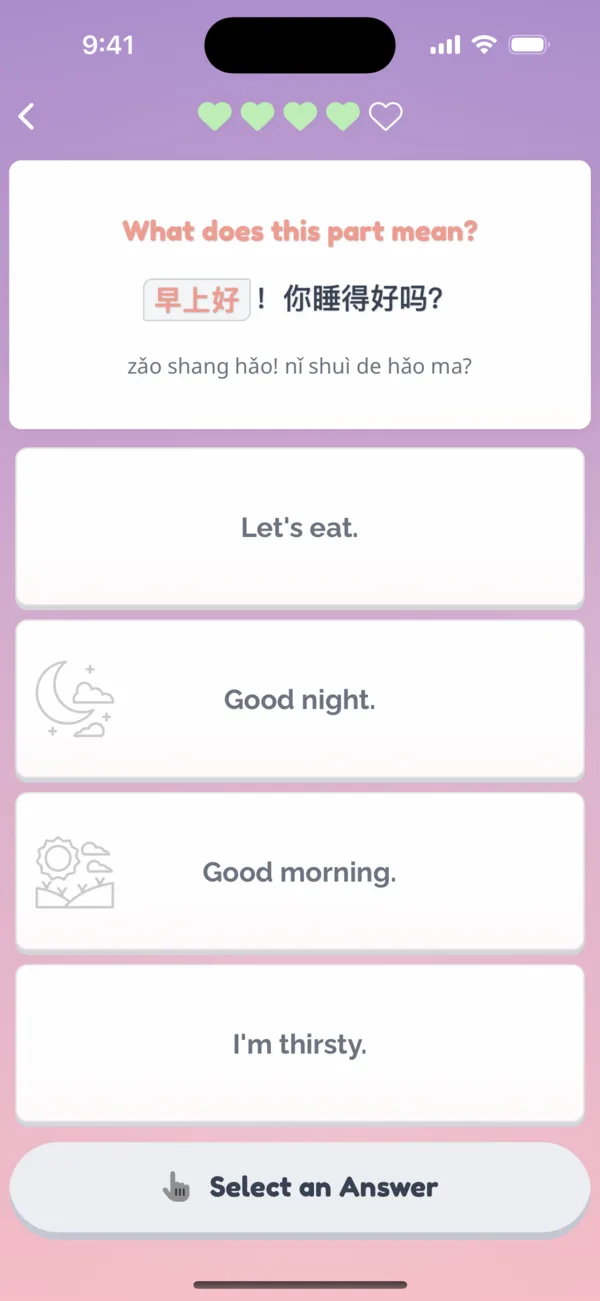
The Sip New Words type of learning session introduces you to words you haven't studied yet. If you don't have any new words to learn, Coupling will show curated starter words.

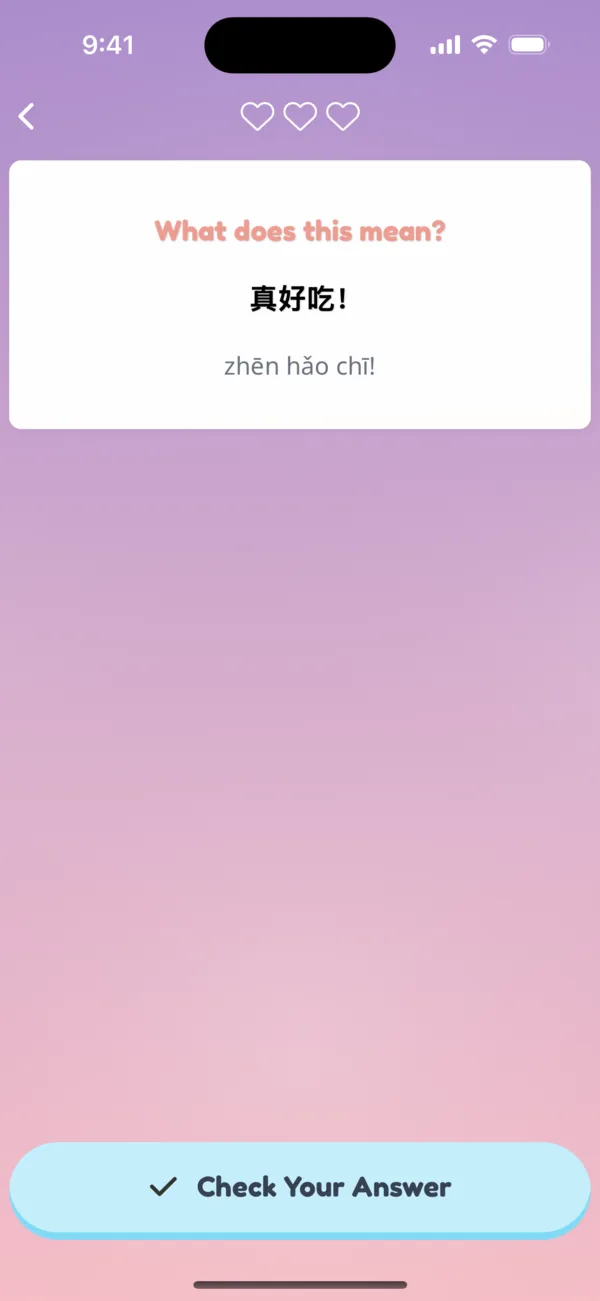
  1. What does it mean?

    1What does it mean?

  2. Pick an answer

    2Pick an answer

  3. See it again tomorrow

    3See it again tomorrow

Reviewing Words

Sip Learned Words is the most common type of Sip, and it's what makes words stick. After you learn a word for the first time, Coupling schedules it to be reviewed again at some point in the future so you don't forget it.

The more you learn a word, the less you have to review it again. And the more you struggle with a word, the more often you'll review it to have it stick.

  1. Words come back when they're due

    1Words come back when they're due

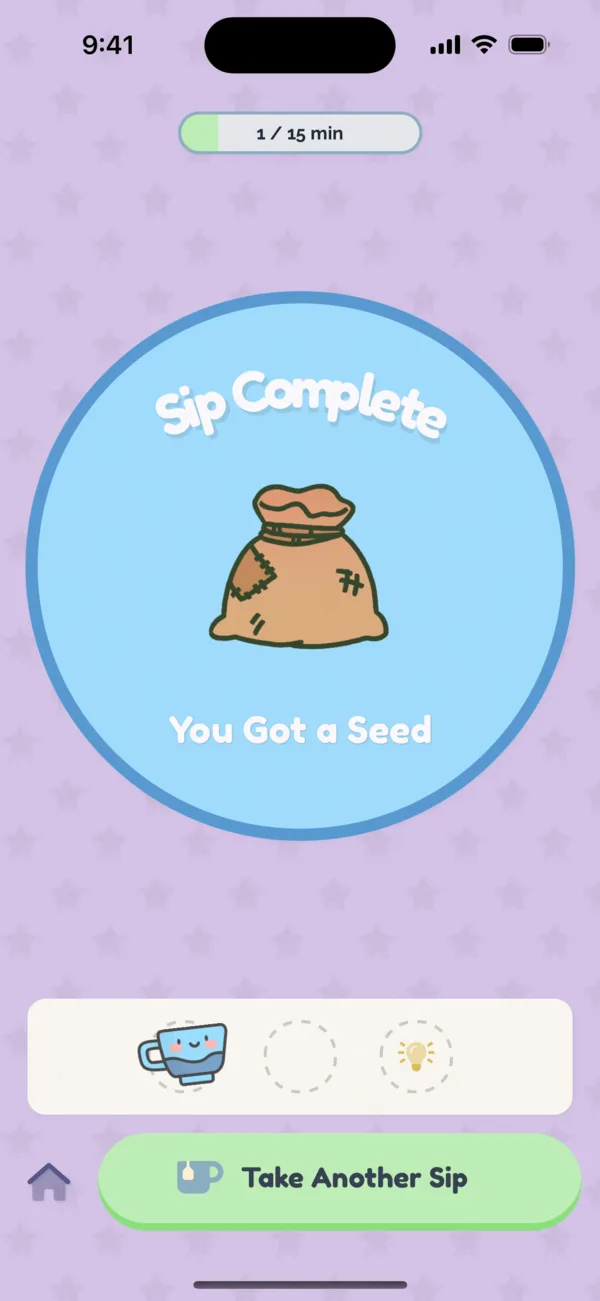
  2. Finish a Sip, earn a seed

    2Finish a Sip, earn a seed

Multiple Choice vs. Active Recall

When a word is new, you'll study it with multiple choice exercises. With active recall, Coupling asks you what a word means or how to say a word, and you have to dig into your memory to try to remember. Active recall is harder than multiple choice, and a powerful way to make words stick.

Turn on Hard Mode in Settings to review with active recall.

  1. Recall the meaning yourself

    1Recall the meaning yourself

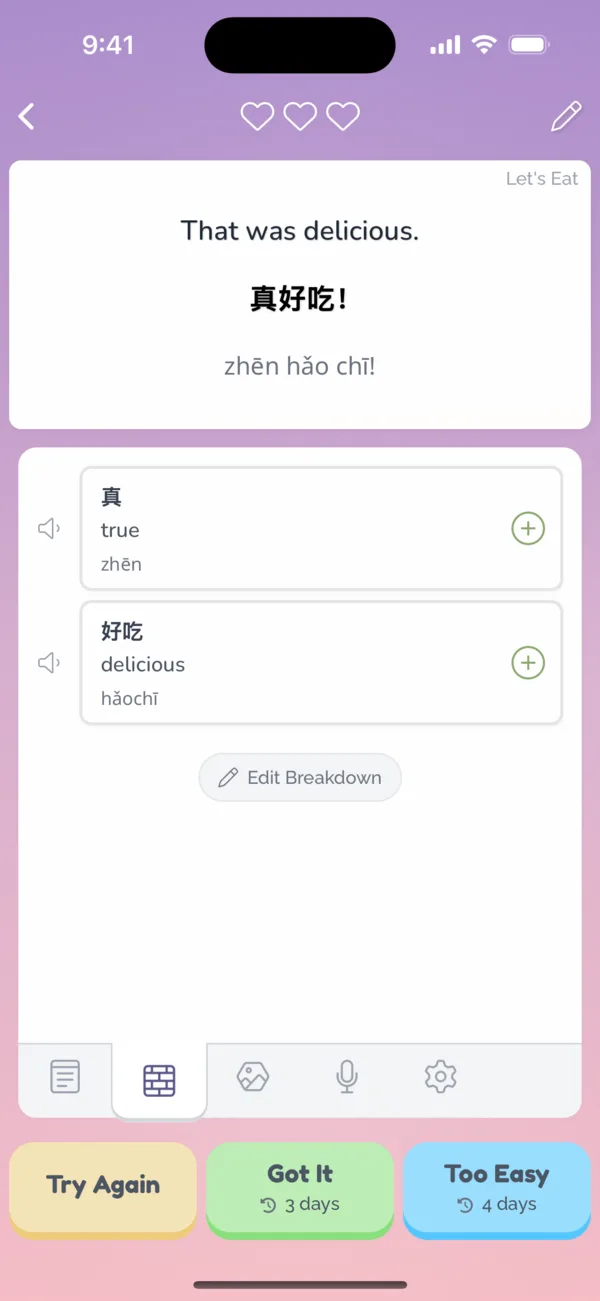
  2. Check, then say how well you knew it

    2Check, then say how well you knew it

Adding Words

You choose what words and phrases you want to learn, and they can be any word or phrase you want! There are several ways to discover and add new words.

Adding Words Via Packs

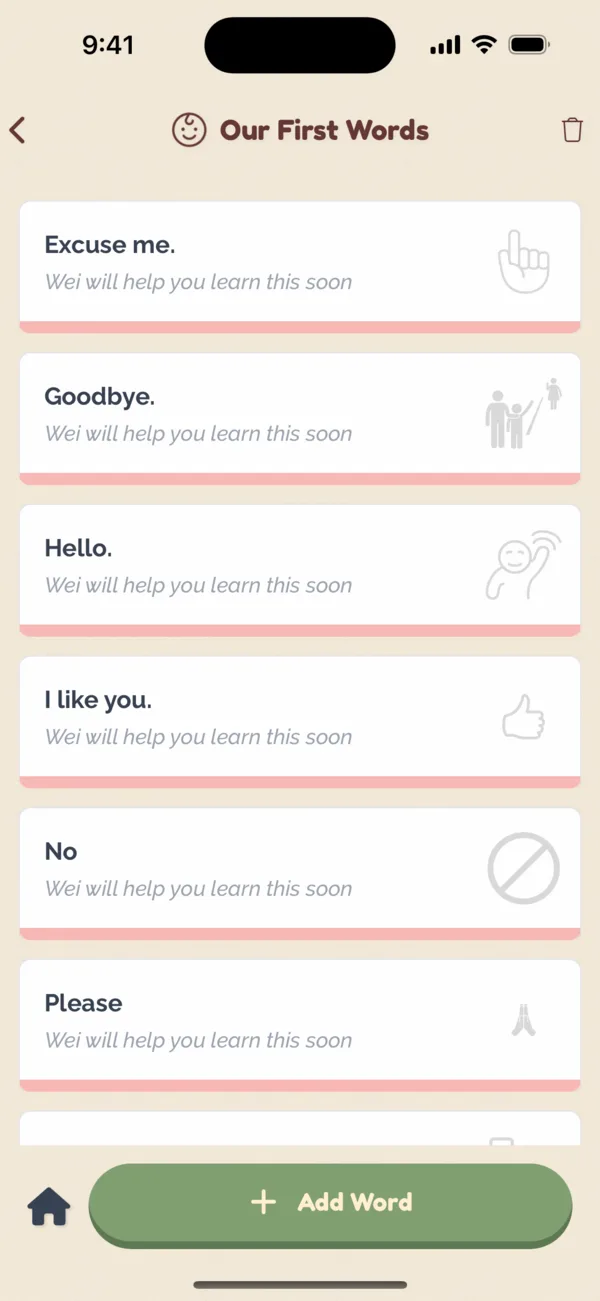
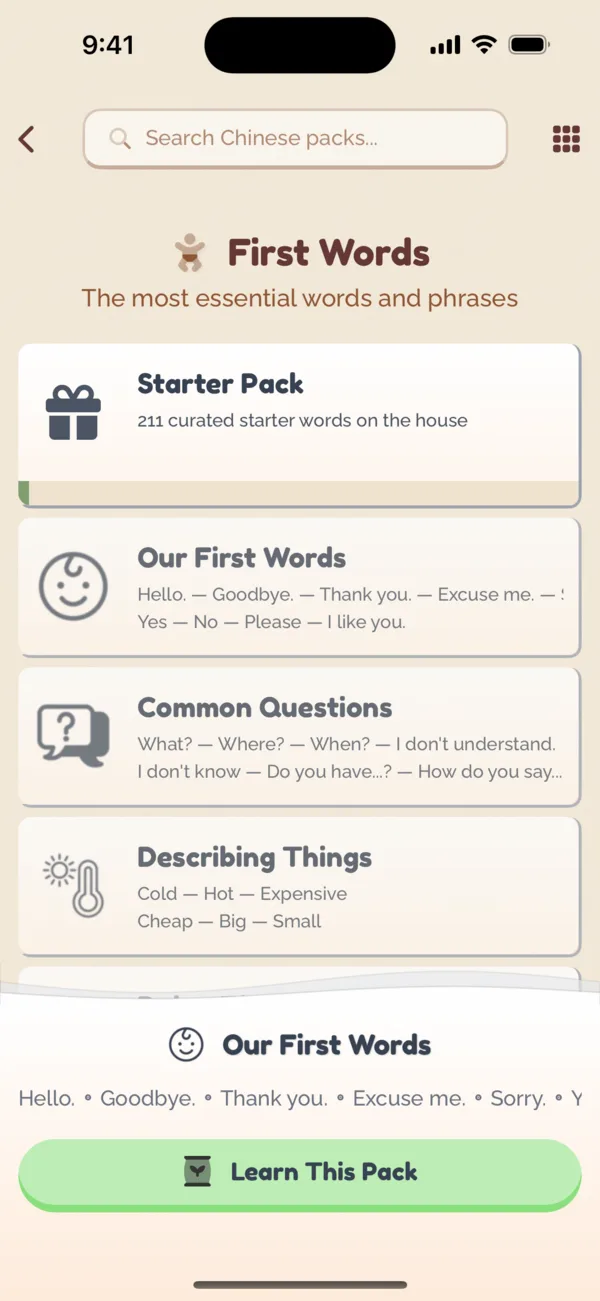
Open a Pack on a topic you want to learn. Your partner fills in each word with translations, audio and sentences, and each word costs a Bean.

  1. Browse Packs by topic

    1Browse Packs by topic

  2. Learn This Pack

    2Learn This Pack

  3. Your partner fills in the words

    3Your partner fills in the words

Adding Words Directly

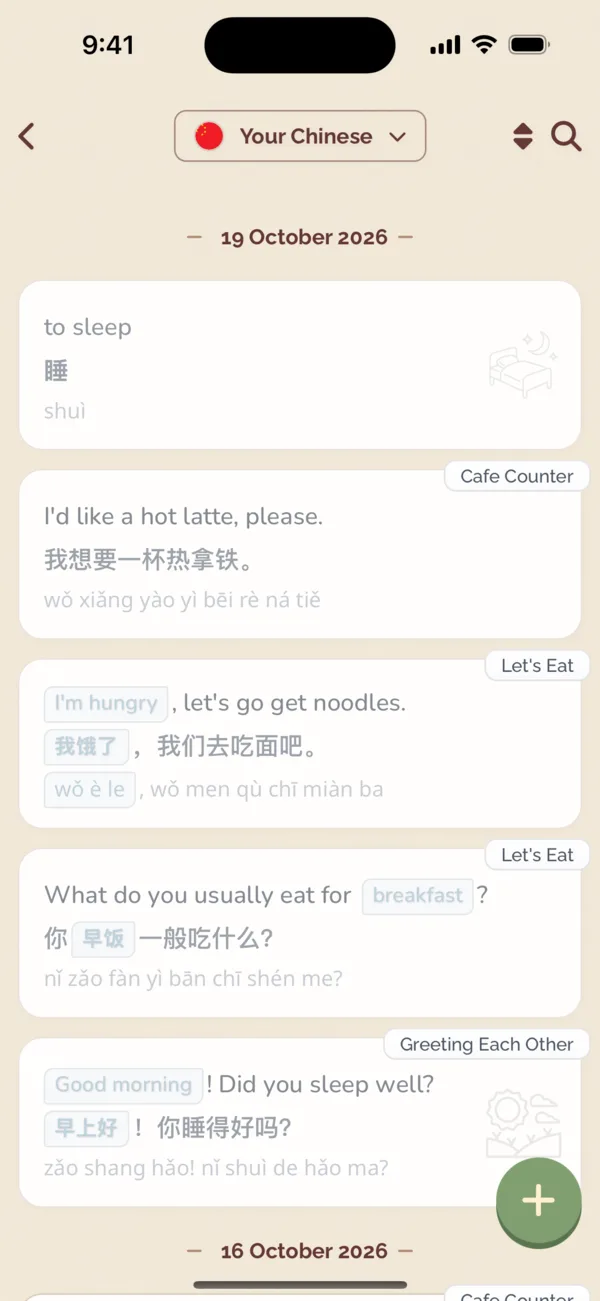
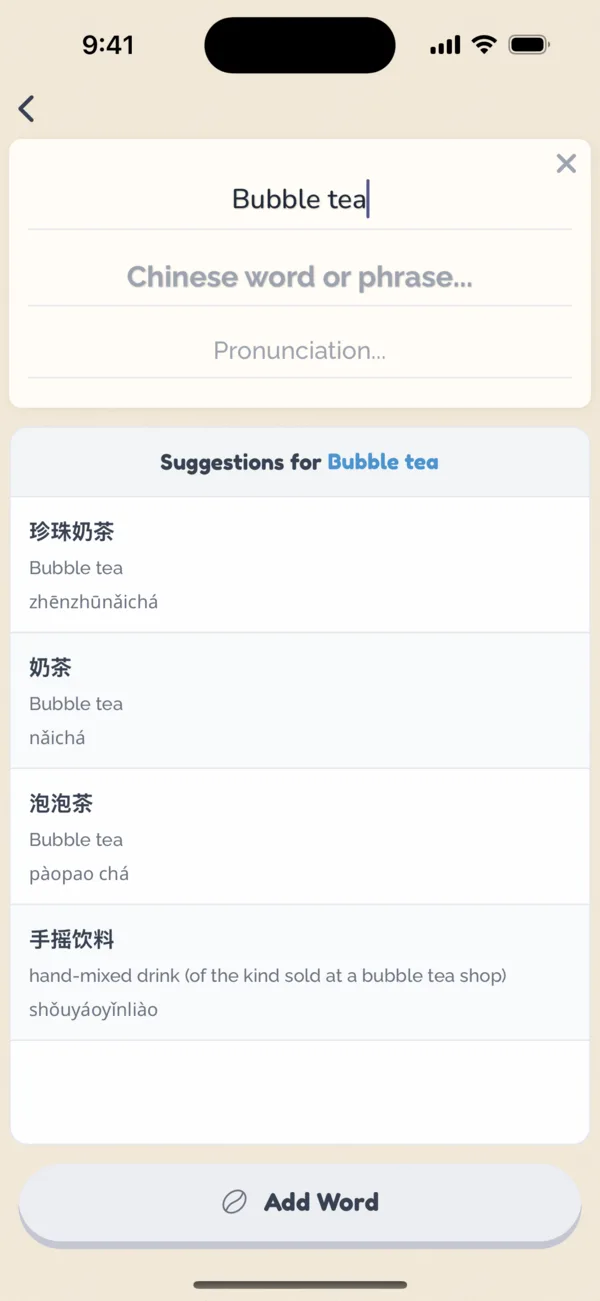
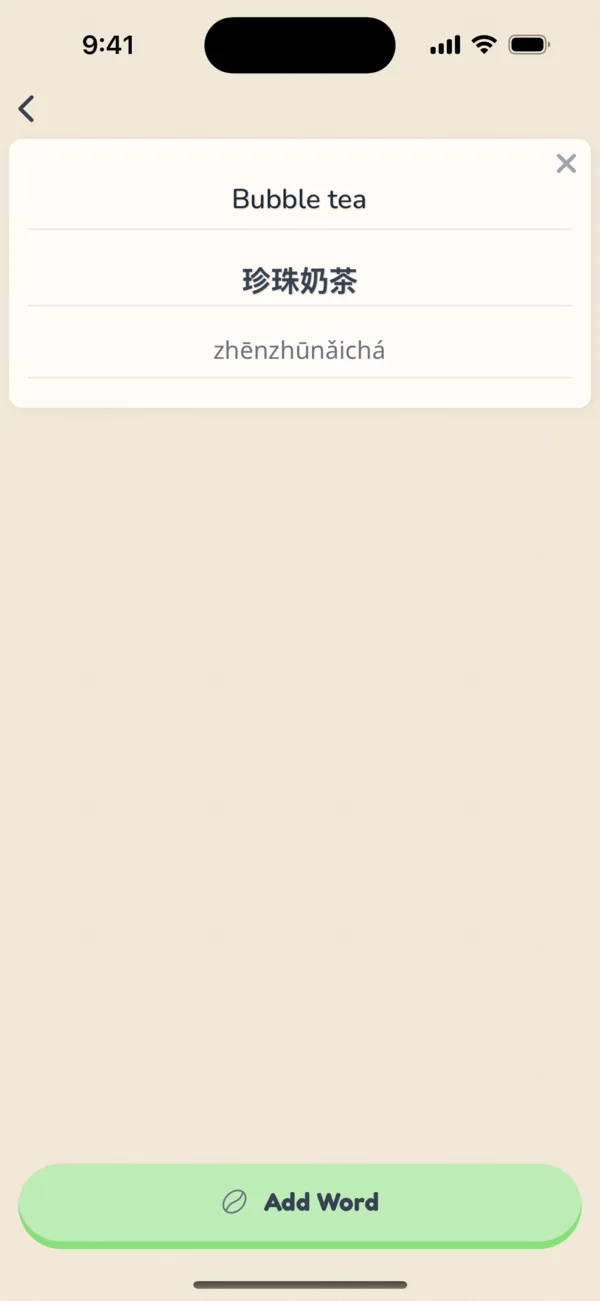
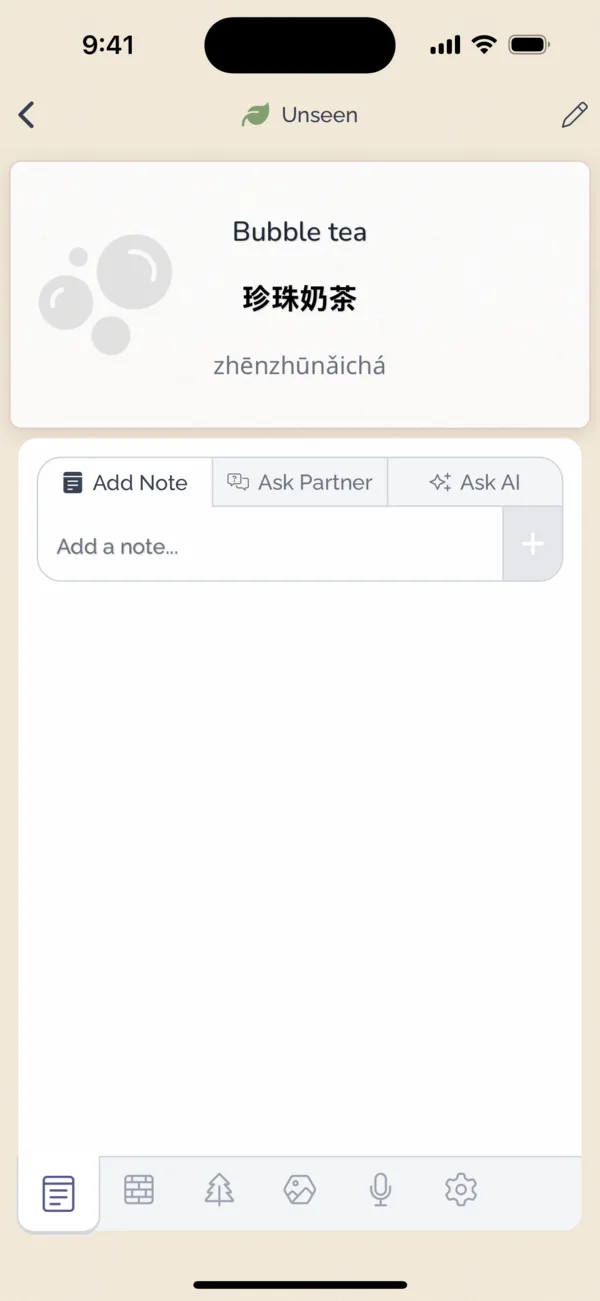
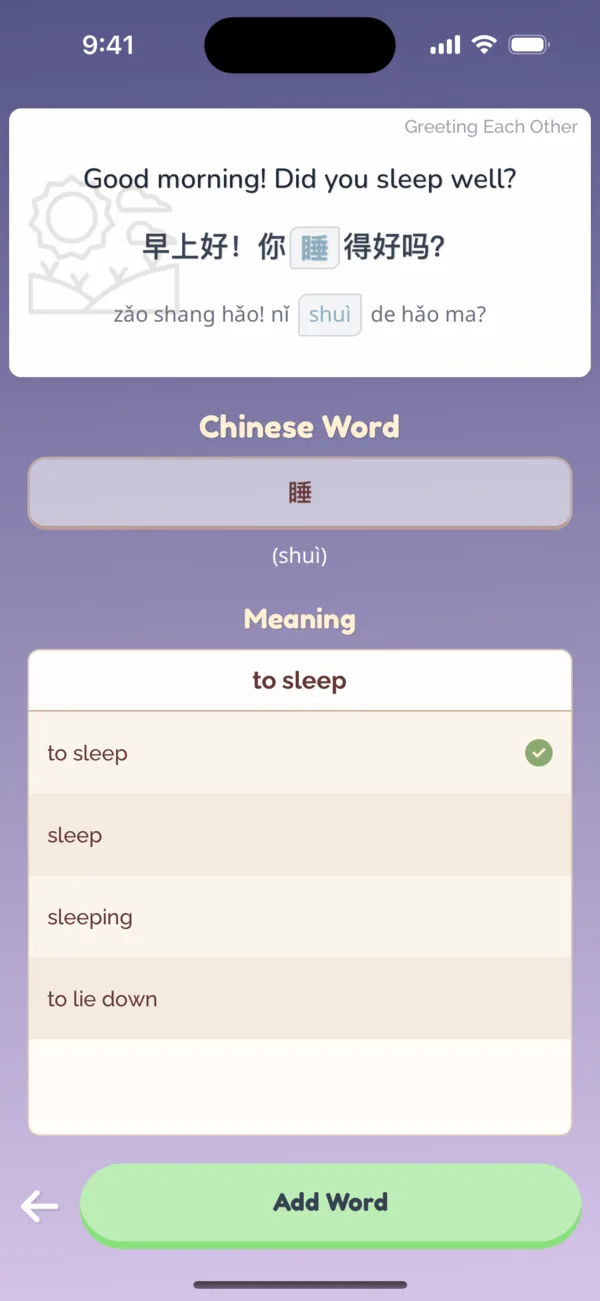
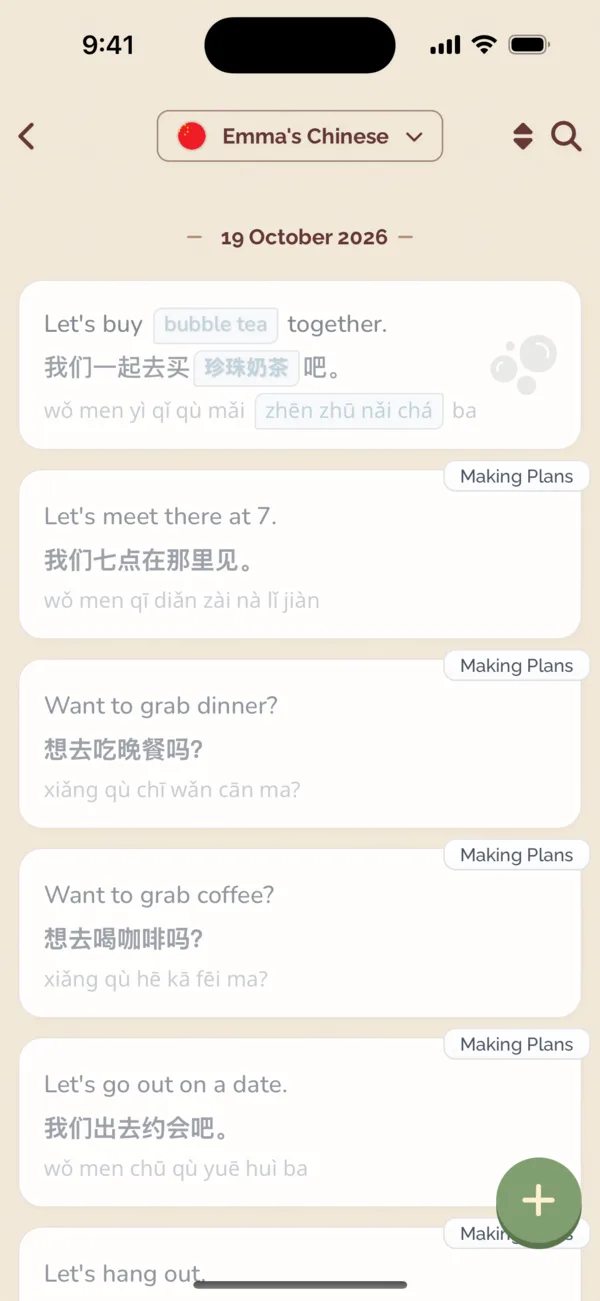
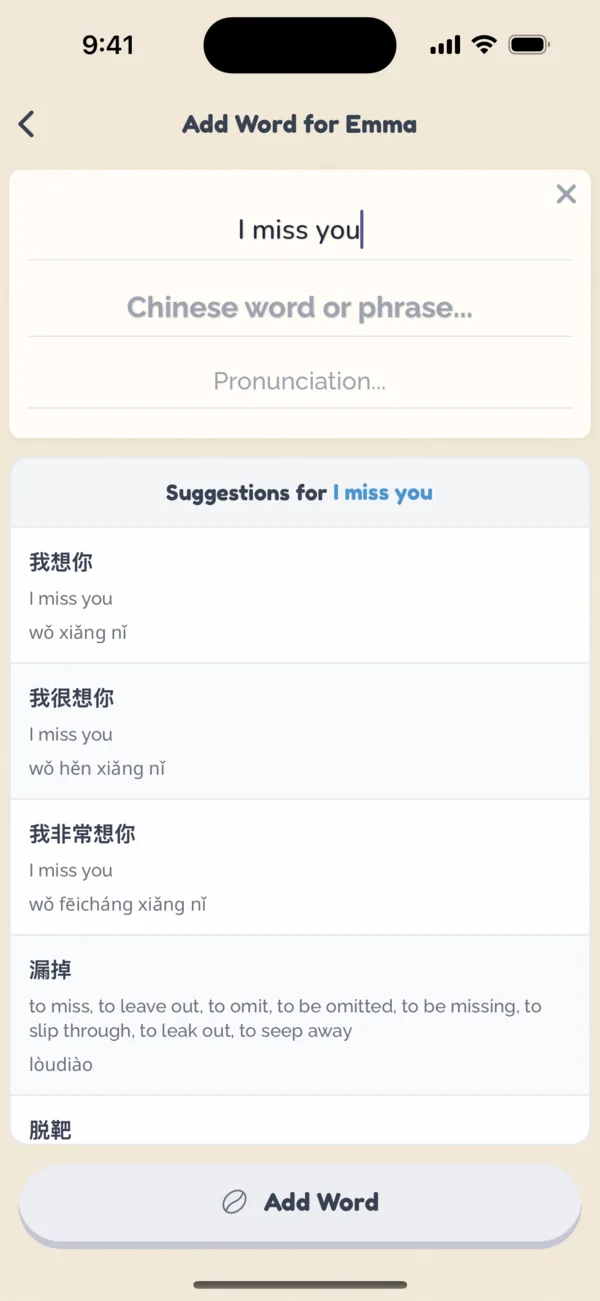
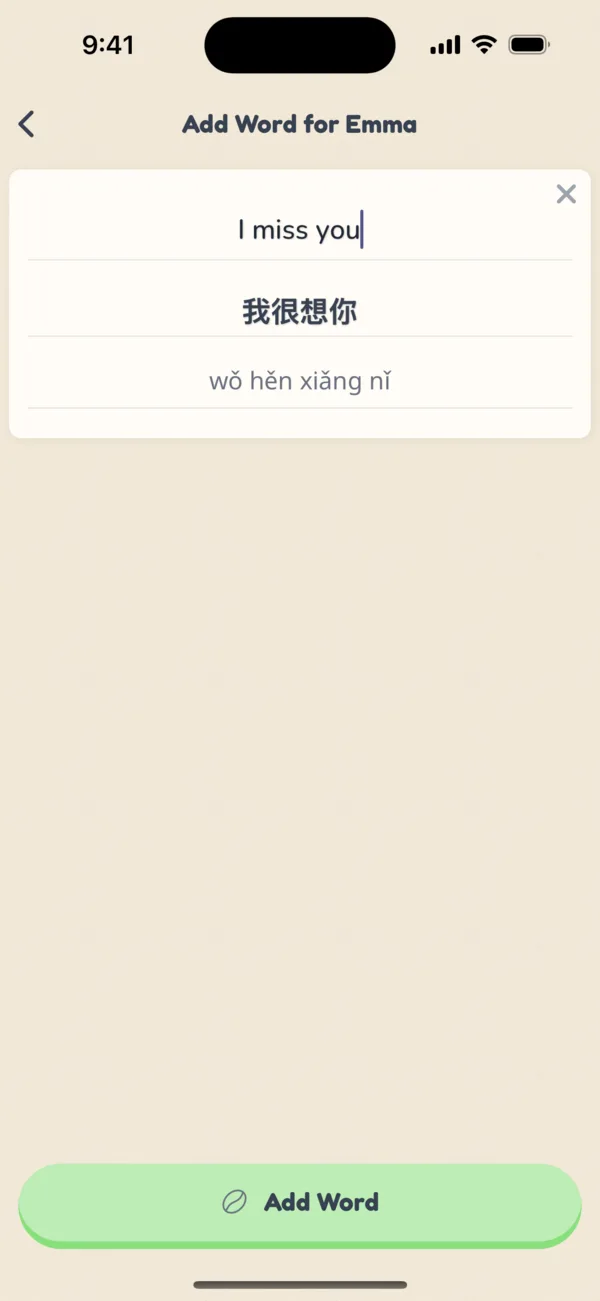
From the word collection screen, tap the Plus button to go to the Add Word screen. From here, you can add any word or phrase, and Coupling will fill in translations and romanizations so you don't have to do much work.

  1. Tap the plus on your words

    1Tap the plus on your words

  2. Type what you want to say

    2Type what you want to say

  3. Pick a translation

    3Pick a translation

  4. It's in your collection

    4It's in your collection

Adding Words From Existing Phrases

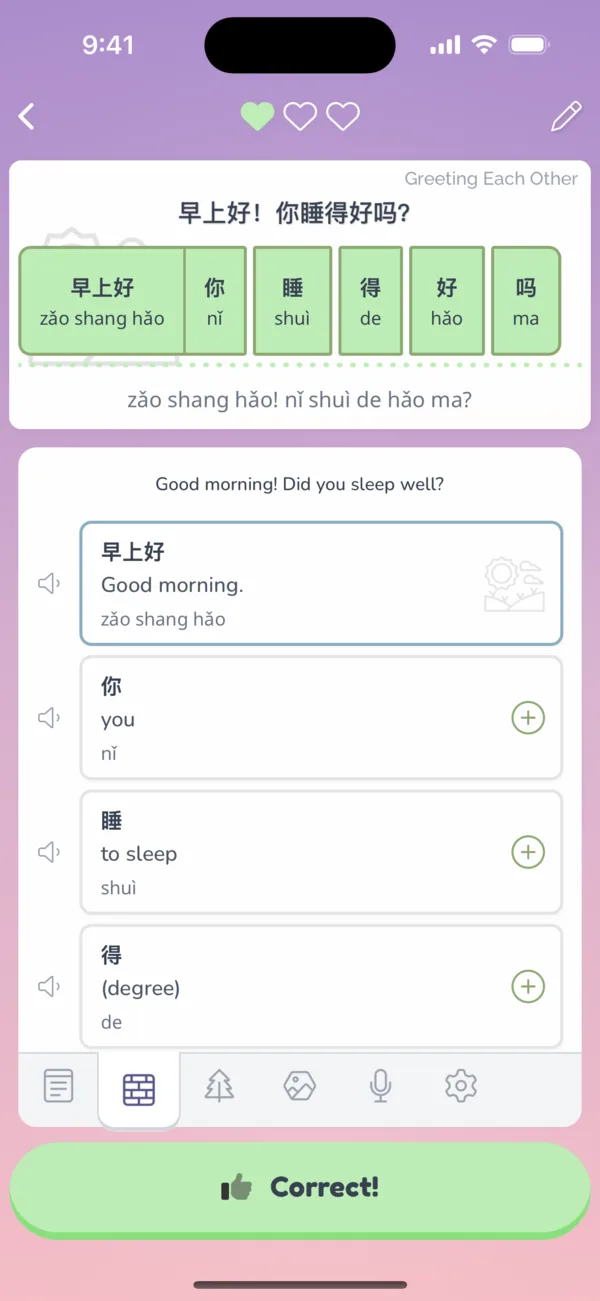
Learn words from your existing phrases if you unlock the Word-by-Word Breakdown feature from the Market. It breaks a phrase down into individual words and tells you what they mean.

From the Breakdown view, you can add words from a phrase that you don't know yet. And it'll also show you words that you already have in your collection!

  1. Words you have are outlined; tap + on a new one

    1Words you have are outlined; tap + on a new one

  2. Check its meaning and add it

    2Check its meaning and add it

  3. Now it's yours too

    3Now it's yours too

Adding Sentences

It's powerful to learn words in context of sentences.

Requesting Sentences

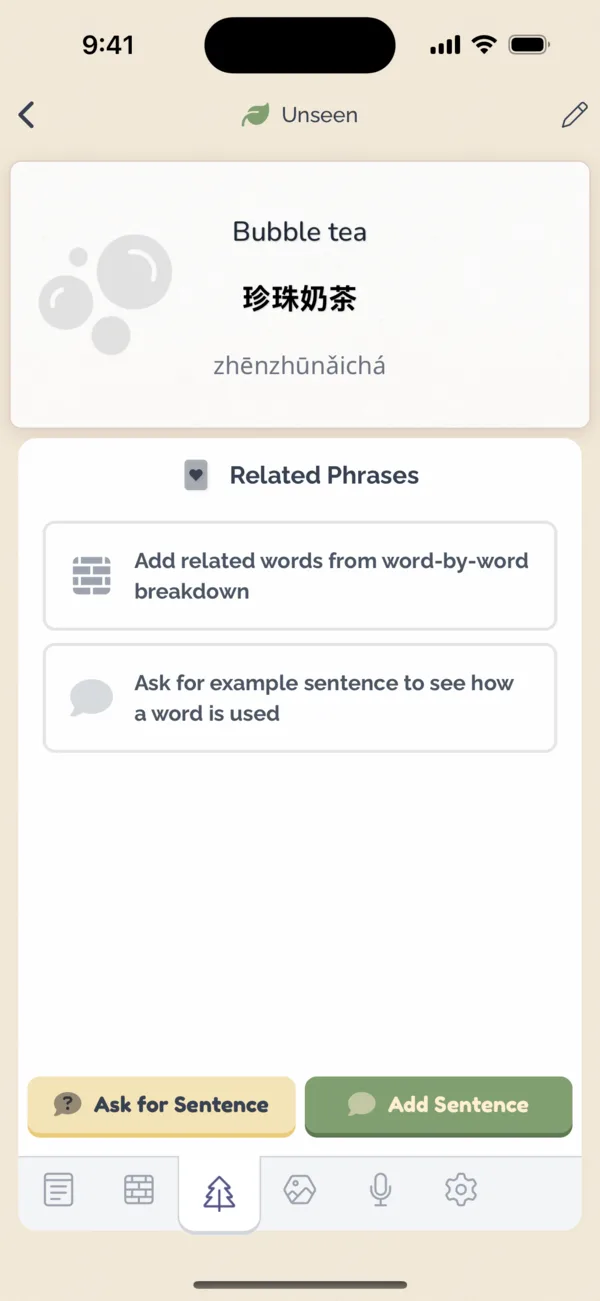
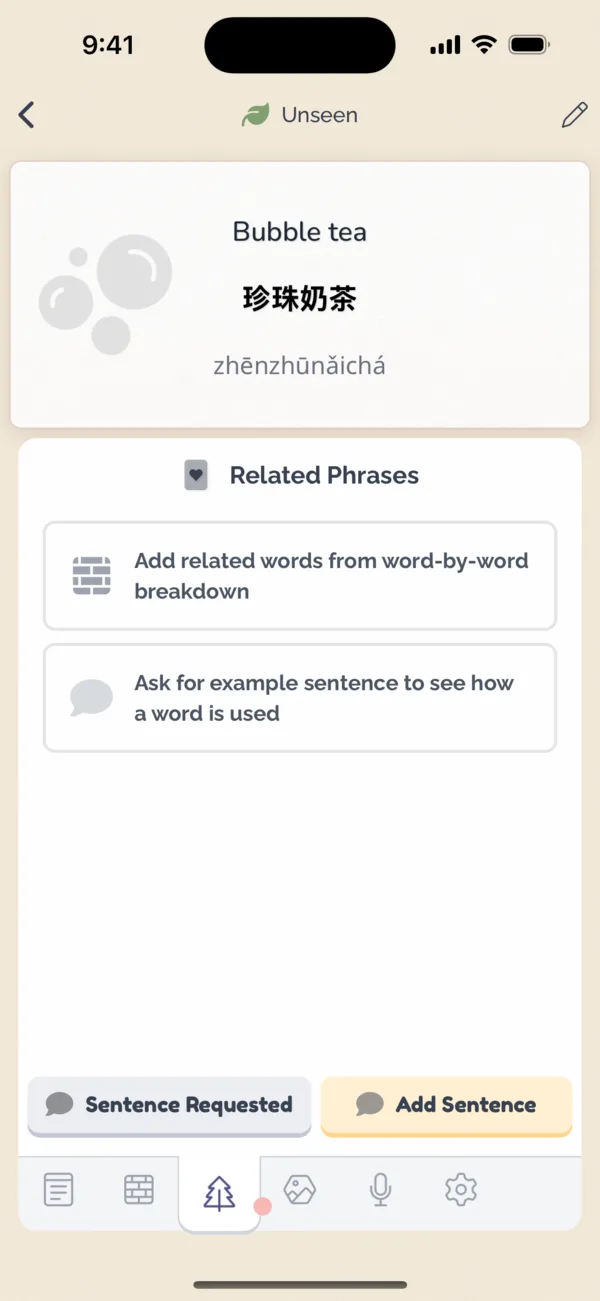
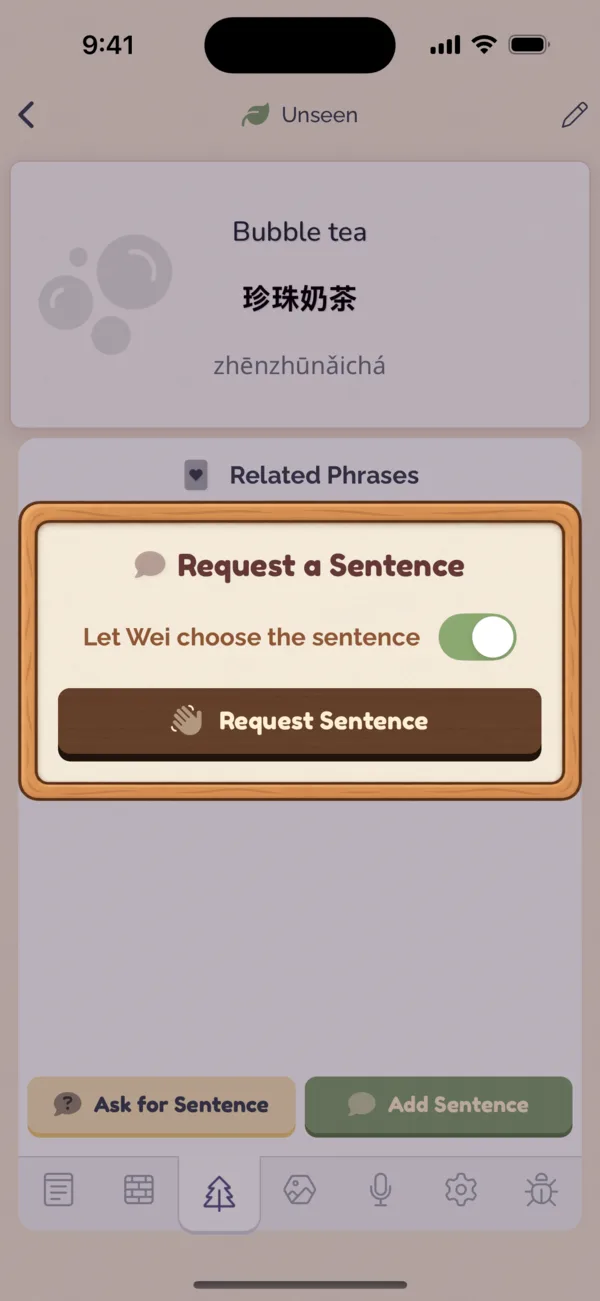
From a word's related tab , learners can request a sentence from partners.

  1. Open a word's related tab

    1Open a word's related tab

  2. Ask your partner for a sentence

    2Ask your partner for a sentence

  3. Request sent

    3Request sent

Adding Sentences During a Brew

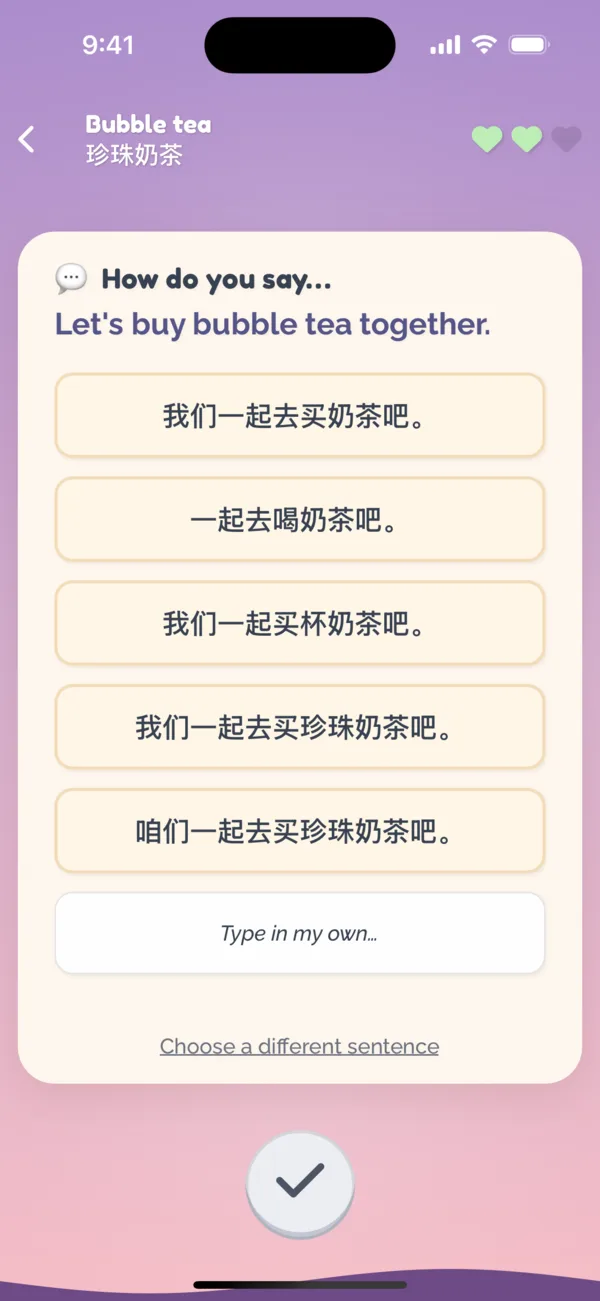
When the teaching partner adds a word during a Brew, they're suggested sentences that include that word. There are Market unlocks to provide more sentence suggestions, and to suggest sentences based on recently learned words.

  1. Wei sees Emma's request with suggestions

    1Wei sees Emma's request with suggestions

  2. He picks how to say it

    2He picks how to say it

  3. Sent to Emma's collection

    3Sent to Emma's collection

Sentence-Based Exercises

When a sentence is added for a word, Coupling generates fill in the blank (cloze deletion) exercises, so you learn words in the context of sentences. A word can mean different things or take different forms depending on how it's used.

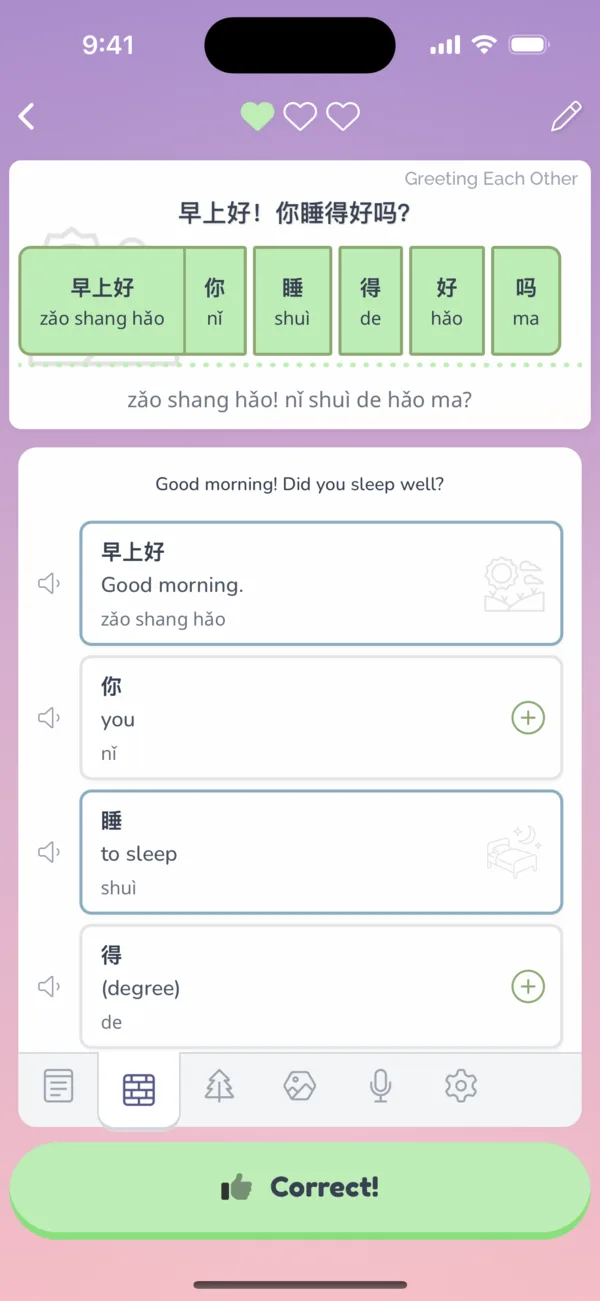
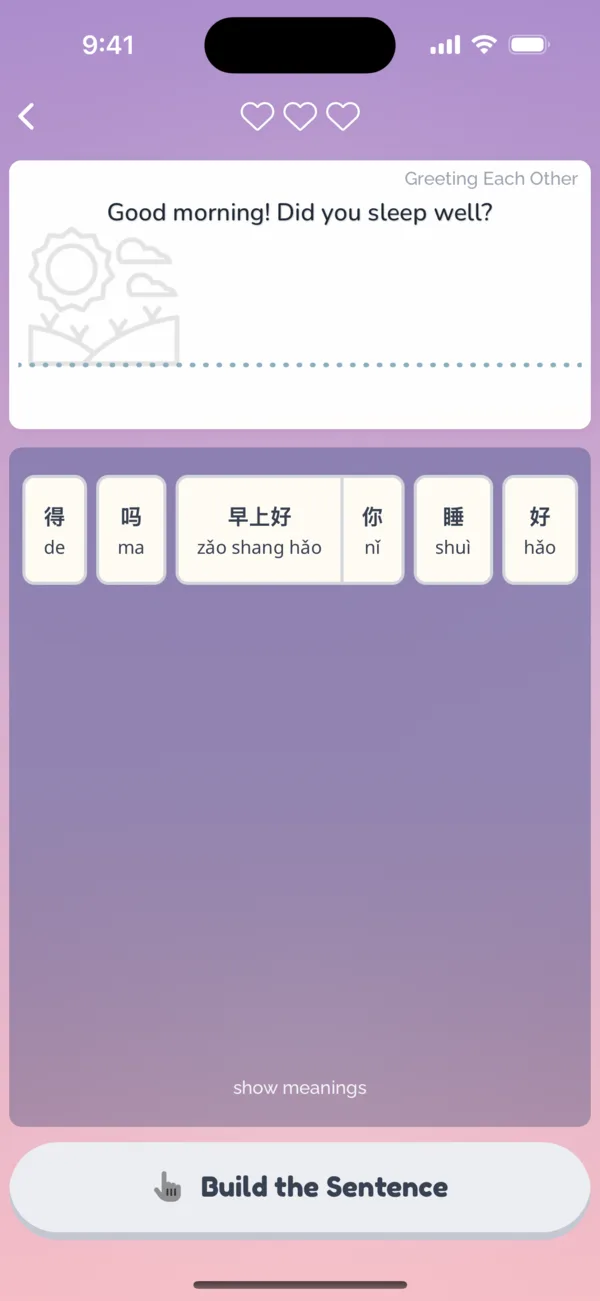
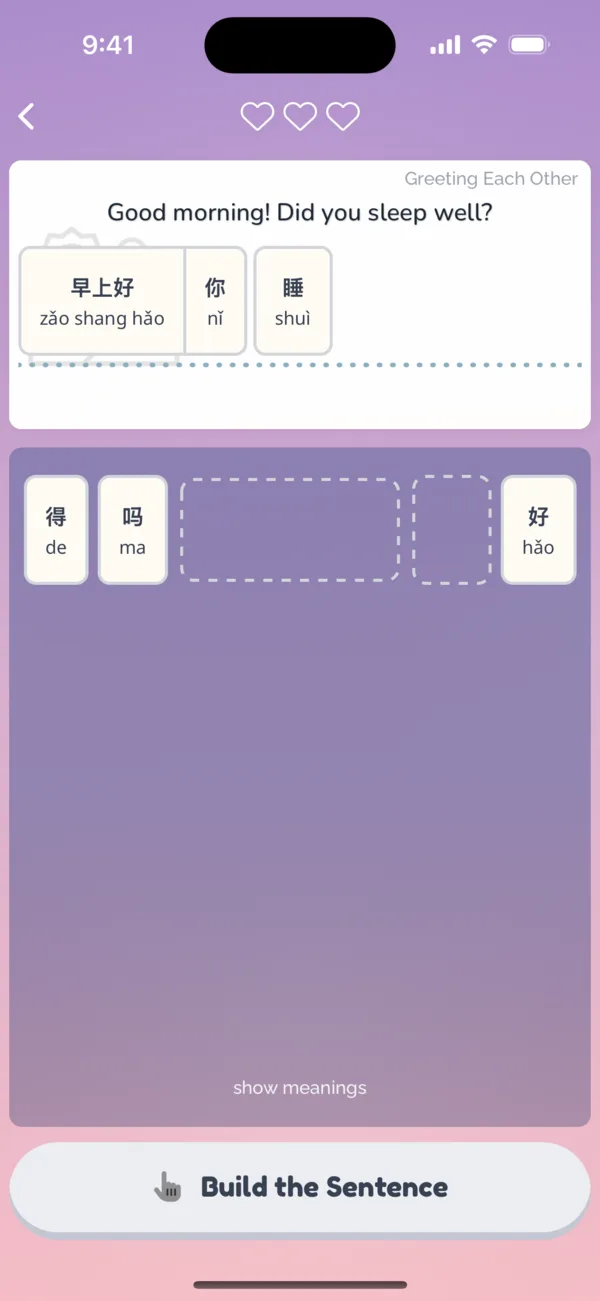
Coupling also generates Rearrange the Sentence exercises to practice syntax, structure, and grammar. Both are unlockable from the Market.

  1. Fill in the blank

    1Fill in the blank

  2. Rearrange the sentence

    2Rearrange the sentence

  3. Tap the pieces in order

    3Tap the pieces in order

  4. Correct!

    4Correct!

Converting a Word to a Sentence

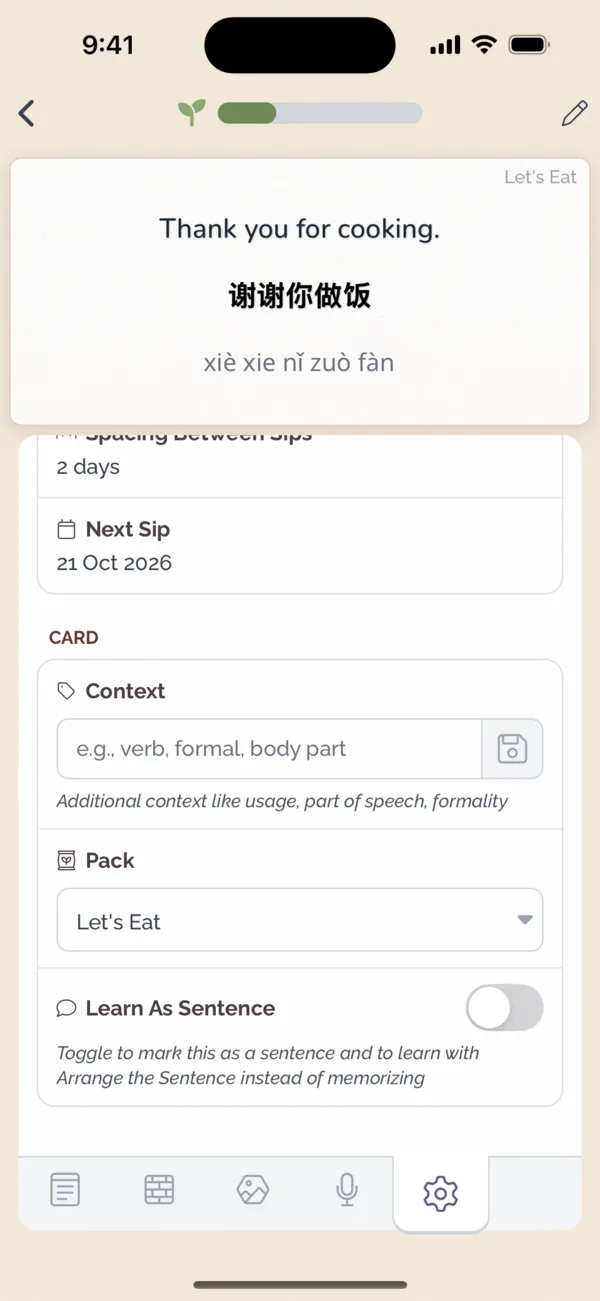
If you have a phrase in your collection that you'd rather learn as a sentence than memorize, go to its settings tab and turn on Learn As Sentence. Then you can learn it with the Rearrange the Sentence exercise.

Converting a Word to a Sentence

For Teachers

Teaching a friend is half of the cafe.

Brewing What They Asked For

When someone you teach opens a Pack or asks for a word, Brew for them appears on your home screen. Tap it to start a Brew, a short teaching session that walks you through everything they asked for.

For each word, pick the translation that sounds like you, or type your own. Then record yourself saying it, so they learn it in your voice. Skip the recording any time with the arrows.

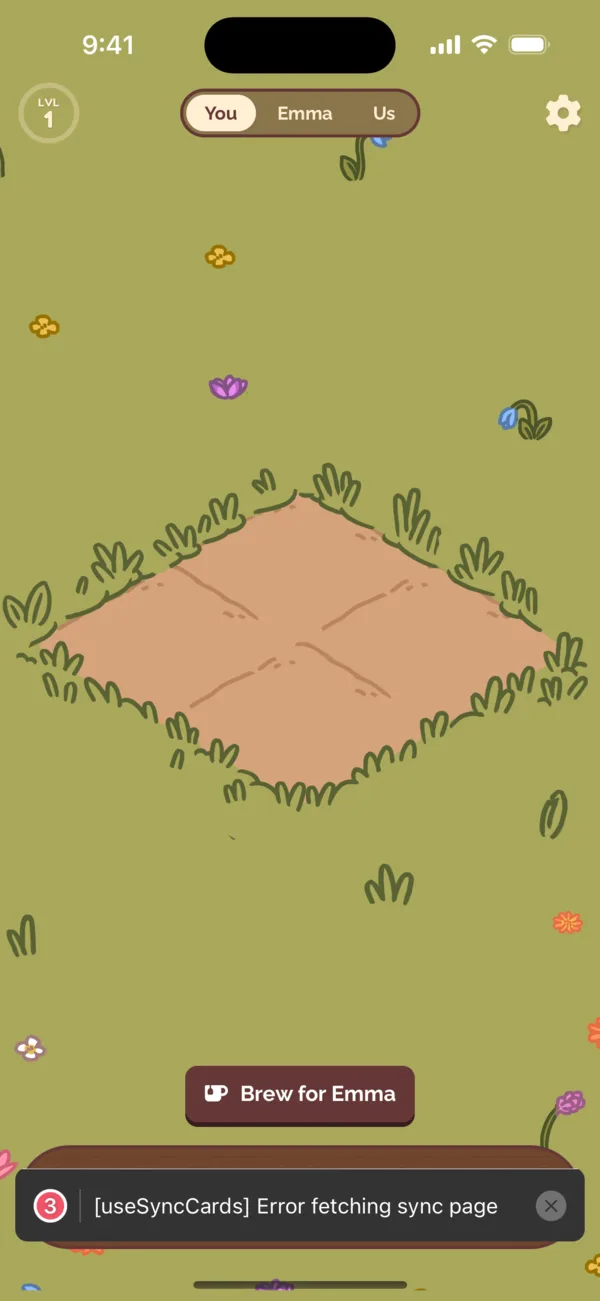
  1. Brew for Emma waits on Wei's home

    1Brew for Emma waits on Wei's home

  2. Pick how you'd say it, or type your own

    2Pick how you'd say it, or type your own

  3. Record it in your voice

    3Record it in your voice

  4. Brew complete, with a seed for Wei

    4Brew complete, with a seed for Wei

Answering Sentence Requests

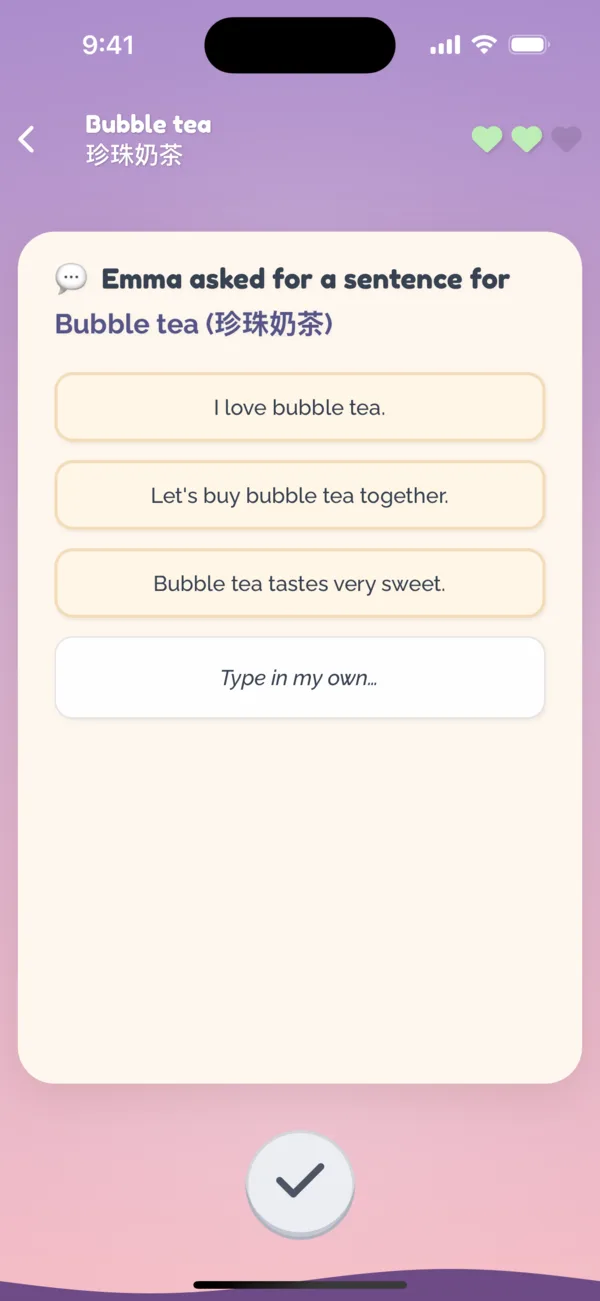
When your partner asks for a sentence, the Brew suggests a few that use their word. Pick one, choose how you'd say it, and it lands in their collection with fill in the blank and rearrange exercises ready to go.

  1. Emma asked for a sentence

    1Emma asked for a sentence

  2. Wei picks how to say it

    2Wei picks how to say it

Teaching a Word Directly

You don't have to wait to be asked. Open your learner's words and tap the Plus button to teach them any word or phrase you think they should know. Coupling suggests translations and fills in the pronunciation, and you can change anything before you add it.

  1. Open your partner's words

    1Open your partner's words

  2. Type what you want to teach

    2Type what you want to teach

  3. Pick or adjust the translation

    3Pick or adjust the translation

  4. Added, and Wei earns a seed

    4Added, and Wei earns a seed

Teaching Grows Your Garden Too

Every Brew and every word you teach earns you seeds and water, so teaching grows your garden as much as studying does. Beans are shared between partners, so the plants you sell help pay for the words your partner learns.

Teaching Grows Your Garden Too

Tips for Teaching Well

Teach the language the way you actually speak it. Casual phrases from your everyday life stick better than textbook ones.

Record audio whenever you can. Hearing your voice is what makes a word theirs.

Add a sentence for words that change meaning with context, so your partner sees how you'd really use them.

Still have a question?

Ask the help desk from Settings › Help in the app, or come say hi on Discord.

Download on the App Store Get it on Google Play